1
3.7 ON TIME MENU
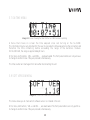
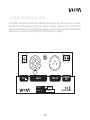
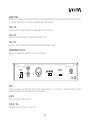
Image 12. Screen showing the time that the So-CUBE has been operating.
A menu that shows on screen the time elapsed since last turning on the So-CUBE.
This information may be very important for the user to calculate the time elapsed since the connection and
therefore the time remaining before exceeding the range of the batteries module.
For the SO 1022, the range is approximately 8 hours.
In this menu, both buttons, VOL + and VOL – , are deactivated. The front panel buttons will only allow us
to change to another menu if they are pressed simultaneously.
This time counter will start again from zero after disconnecting the unit.
3.8 SOFT VERSION MENU
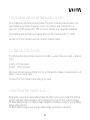
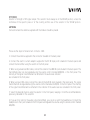
Image 13. Screen that shows the software version
This menu allows you to check which software version is installed in the unit.
In this menu, both buttons, VOL + and VOL – , are deactivated. The front panel buttons will only permit us
to change to another menu if they are pressed simultaneously.
20