1
Chapter 5: Managing Studies
Exporting a Study as a JPEG (continued)
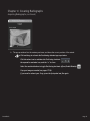
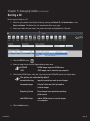
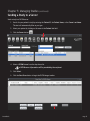
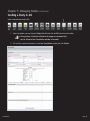
5. Check any additional options boxes you want to add to your images.
The options are unchecked by default
Annotation Burning Imprints annotations made to saved images
Anonymize Images
Strips all client and clinic information from the images
Repository FormatPlaces images in an equestrian repository folder format
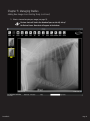
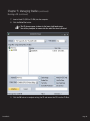
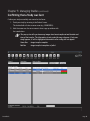
6. Click the Select button.
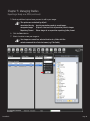
7. Select a location to save your images in.
Your images are saved to a selected location in a folder with the
animals name and the clients last name (e.g. Fido-Smith).
Sound-Eklin™
Page 26