1
5.6 Design check, using the Water Flow
Simulation
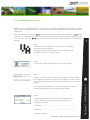
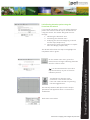
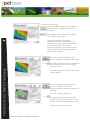
A water flow simulation can be activated
for any original or design surface created
in TerraCutta Pro.
The tool visually models the flow of
water over a flat fallowed surface
highlighting infiltration and movement of
water.
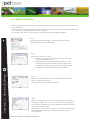
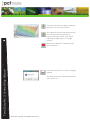
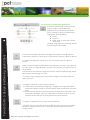
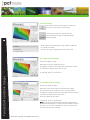
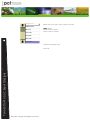
Apply the simulation to either the
Original surface or Design Surface by
pressing the circle.
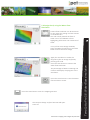
Press the Start button to activate the
water flow simulation.
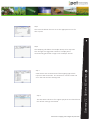
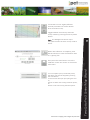
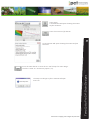
The percentage of Water remaining and
Counter will display the progress of the
simulation.
Press the Finish button to exit the Water
flow simulation screen.
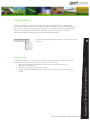
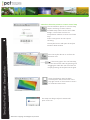
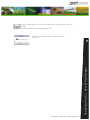
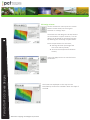
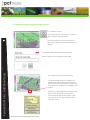
Press the Close button to exit the mapping window.
The Keep this design surface? window will open.
Press Yes.
©Precision Cropping Technologies Pty Ltd 2014.
TerraCutta Pro 5.6: Water flow simulation
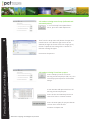
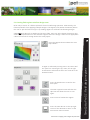
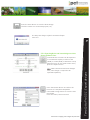
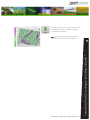
In any of the active design windows,
press the Water flow button to simulate
water flow for the active design.