1
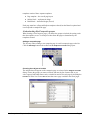
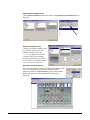
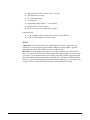
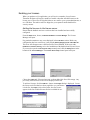
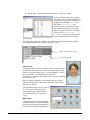
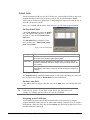
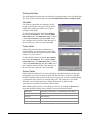
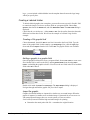
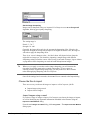
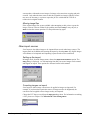
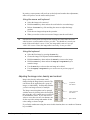
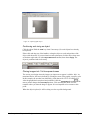
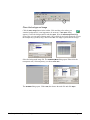
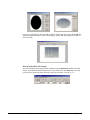
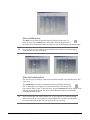
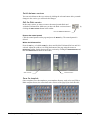
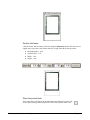
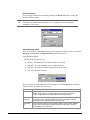
the template. The Labelled Holder dialog opens. Type @SchoolLogo to label this graphic
box.
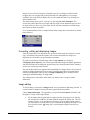
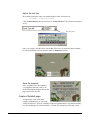
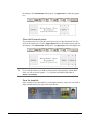
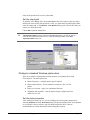
Size and position the logo using the Dimensions toolbar to .1, .7, 5.0, 5.0:
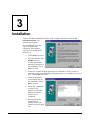
Add the text box
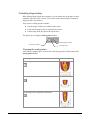
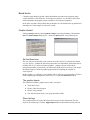
The following text is to appear in the design:
#
The School name
#
The Composite name
#
The Year of photography
#
The Principal’s name
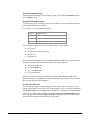
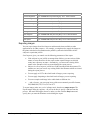
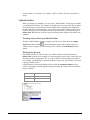
The codes that should be used to achieve this is a mix of internal and Details codes (see
the previous chapter, Details). The codes to use are:
Desired text
Type
@Code
School Name
Details field
@SchoolName
Composite Name
Internal
@Composite
Year of Photography
Details field
@Year
Principal’s name
Label / Details field
@Principal
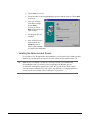
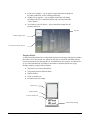
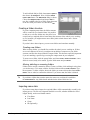
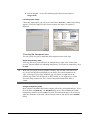
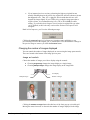
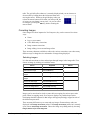
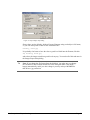
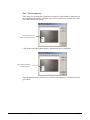
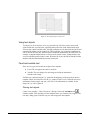
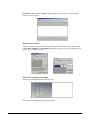
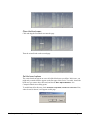
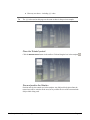
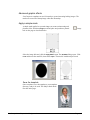
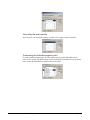
Click the Text button in the toolbar, then drag a text box in the design. The Text dialog
opens. Enter the following text:
@SchoolName - @Name
NeoComposite – Chapter 11 – Design mode
Page 137