1
R
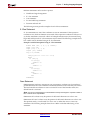
Behavioral Verilog Features
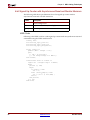
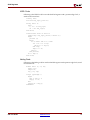
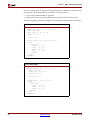
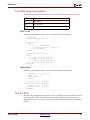
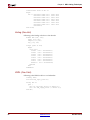
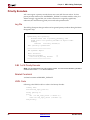
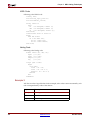
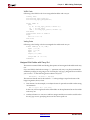
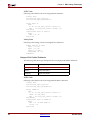
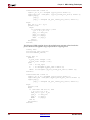
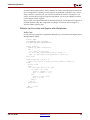
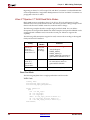
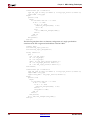
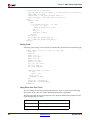
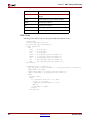
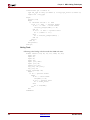
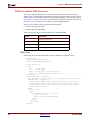
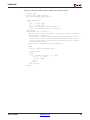
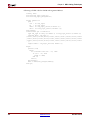
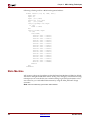
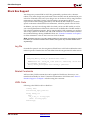
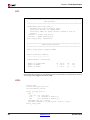
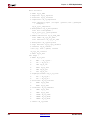
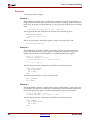
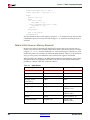
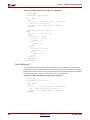
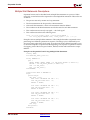
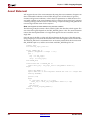
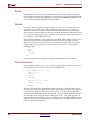
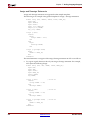
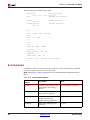
Example 7-3 MUX Description Using Case Statement
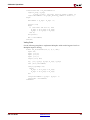
module mux4 (sel, a, b, c, d, outmux);
input [1:0] sel;
input [1:0] a, b, c, d;
output [1:0] outmux;
reg [1:0] outmux;
always @(sel or a or b or c or d)
begin
case (sel)
2’b00: outmux = a;
2’b01: outmux = b;
2’b10: outmux = c;
default: outmux = d;
endcase
end
endmodule
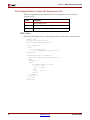
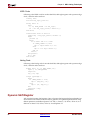
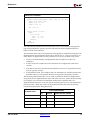
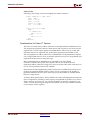
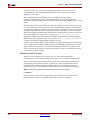
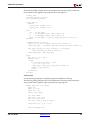
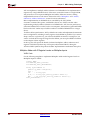
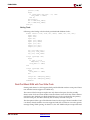
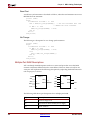
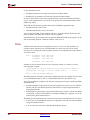
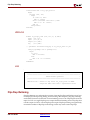
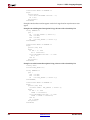
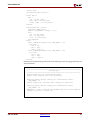
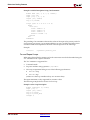
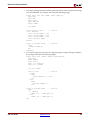
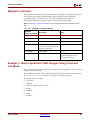
The preceding Case statement evaluates the values of the input sel in priority order. To
avoid priority processing, it is recommended that you use a parallel-case Verilog meta
comment which ensures parallel evaluation of the sel inputs as in the following.
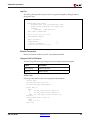
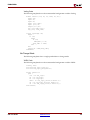
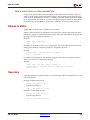
Example:
case(sel)
//synthesis parallel_case
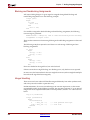
For and Repeat Loops
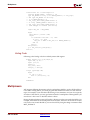
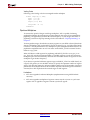
When using always blocks, repetitive or bit slice structures can also be described using the
"for" statement or the "repeat" statement.
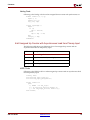
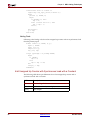
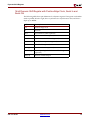
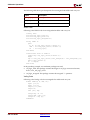
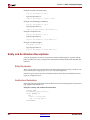
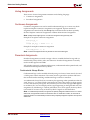
The "for" statement is supported for:
x
Constant bounds
x
Stop test condition using operators <, <=, > or >=
x
Next step computation falling in one of the following specifications:
i
var = var + step
i
var = var - step
(where var is the loop variable and step is a constant value).
The repeat statement is only supported for constant values.
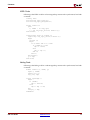
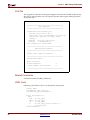
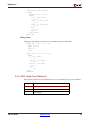
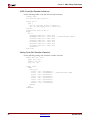
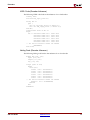
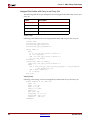
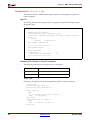
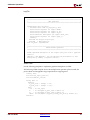
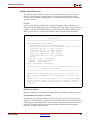
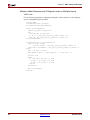
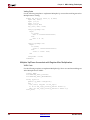
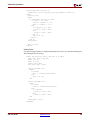
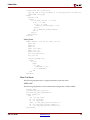
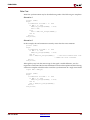
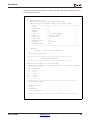
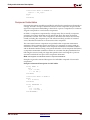
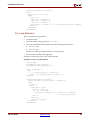
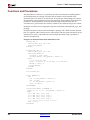
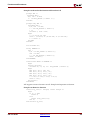
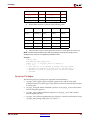
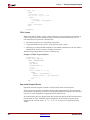
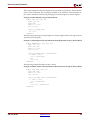
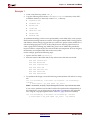
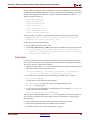
The following example shows the use of a For Loop.
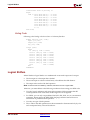
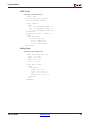
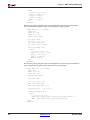
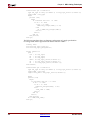
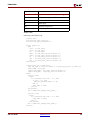
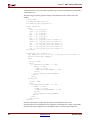
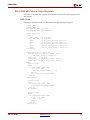
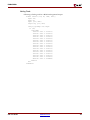
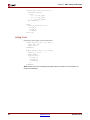
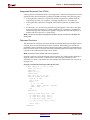
Example 7-4 For Loop Description
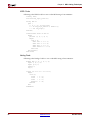
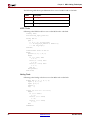
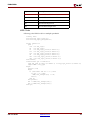
module countzeros (a, Count);
input [7:0] a;
output [2:0] Count;
reg [2:0] Count;
reg [2:0] Count_Aux;
integer i;
XST User Guide
www.xilinx.com
1-800-255-7778
331