1
114 | User Guide for EPiServer Commerce 1 R2 SP1
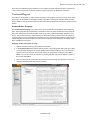
Catalog Search Filters
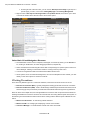
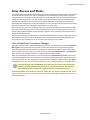
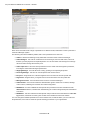
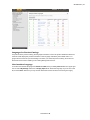
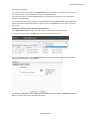
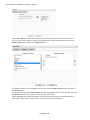
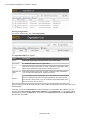
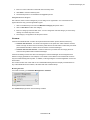
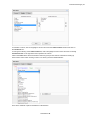
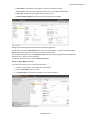
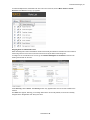
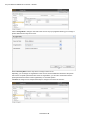
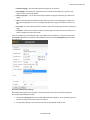
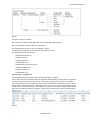
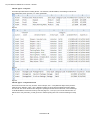
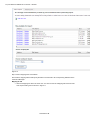
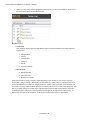
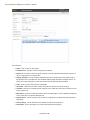
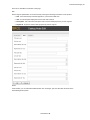
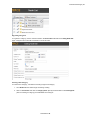
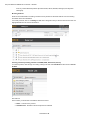
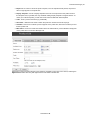
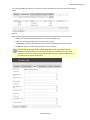
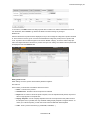
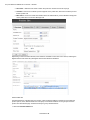
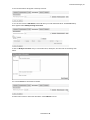
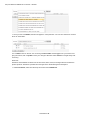
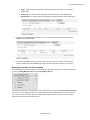
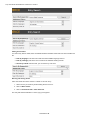
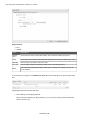
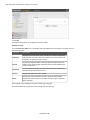
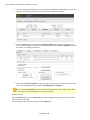
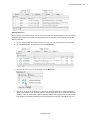
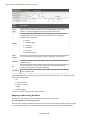
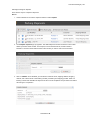
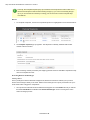
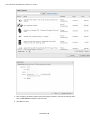
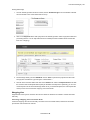
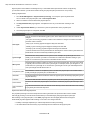
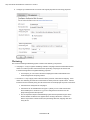
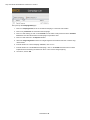
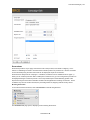
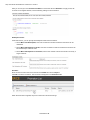
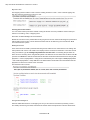
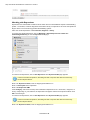
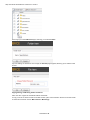
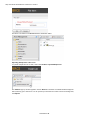
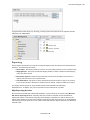
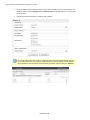
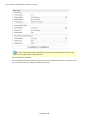
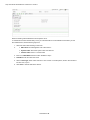
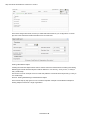
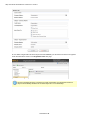
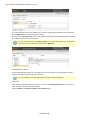
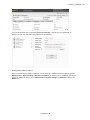
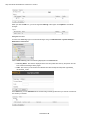
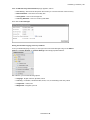
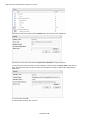
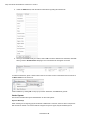
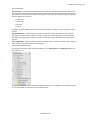
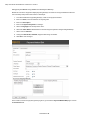
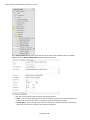
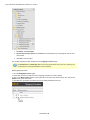
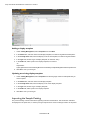
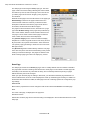
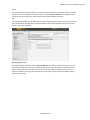
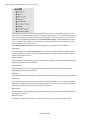
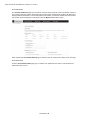
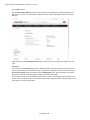
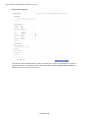
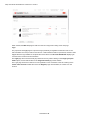
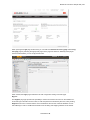
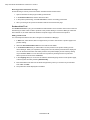
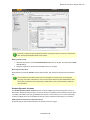
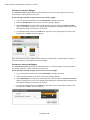
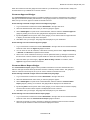
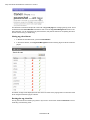
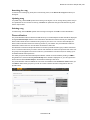
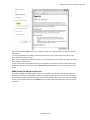
To narrow entry search results, there are Additional Filters available. Click search once those filters are set.
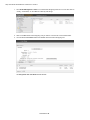
l Filter by language: Pull-down menu will show the available language choices
l Filter by catalog(s): Pull-down menu will show the available catalog choices
l Search by code/id: Instead of text, you can search by code or ID
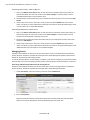
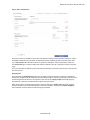
Deleting and Cloning Entries
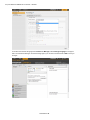
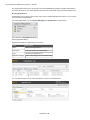
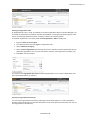
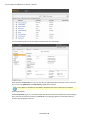
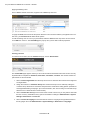
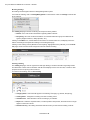
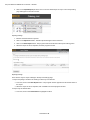
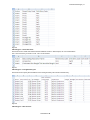
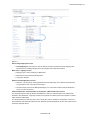
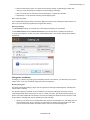
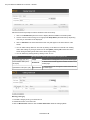
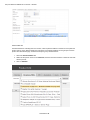
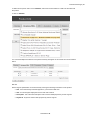
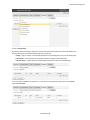
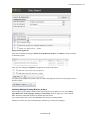
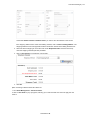
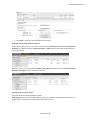
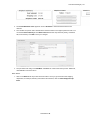
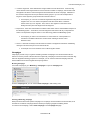
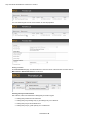
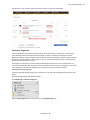
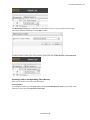
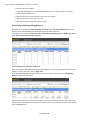
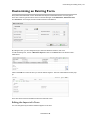
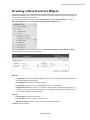
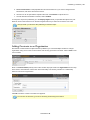
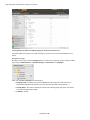
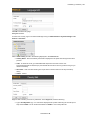
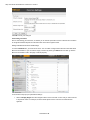
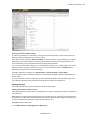
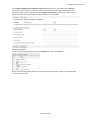
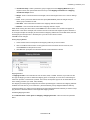
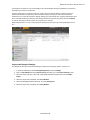
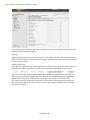
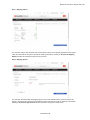
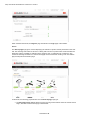
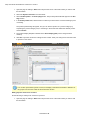
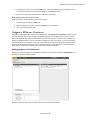
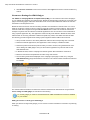
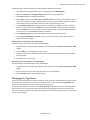
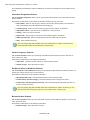
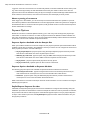
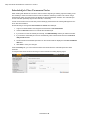
Users can Delete and Clone entries. To delete or clone an entry:
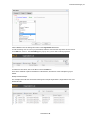
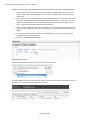
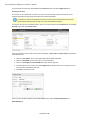
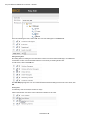
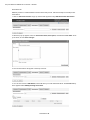
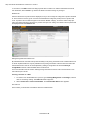
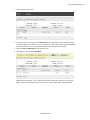
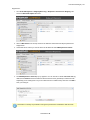
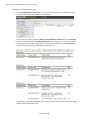
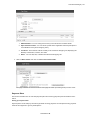
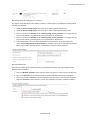
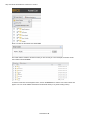
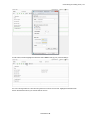
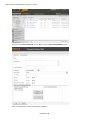
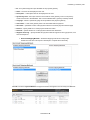
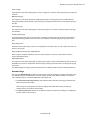
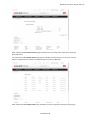
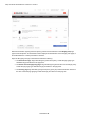
1. Select an entry or entries by checkmarking the box next to it.
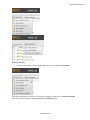
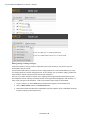
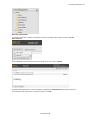
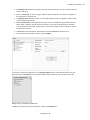
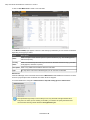
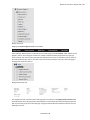
2. Click on More Actions.
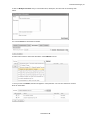
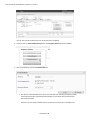
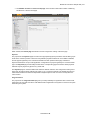
3. Click on Delete Selected or Clone Selected .
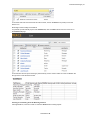
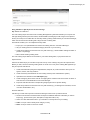
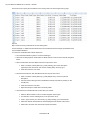
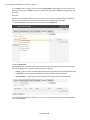
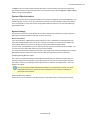
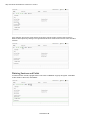
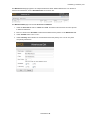
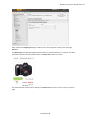
The entry will either be deleted or a clone (copy) of it appears.
© EPiServer AB