1
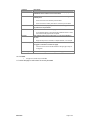
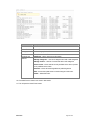
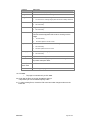
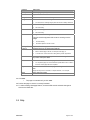
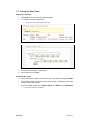
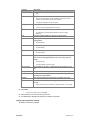
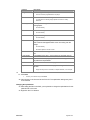
Expired – the page is no longer available in the site.
Publish
Date and time that the page is available in the site.
Expire
Date and time that the page is no longer available in the site.
Controls and
Actions
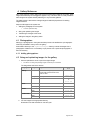
Show current – shows pages currently available in the site or queued
to be published in the future.
Show All – shows all pages regardless of publishing status.
Preview – preview the page.
Edit – access the update screen to make changes to this page.
Delete – delete this page.
•
Only available for third level pages.
Add child – add a child page to this page.
•
Only available for top or second level pages.
•
To add primary and secondary level pages you will need to have Massive
create navigation artwork before proceeding.
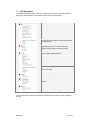
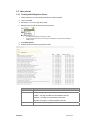
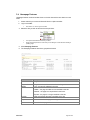
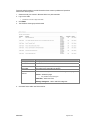
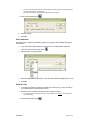
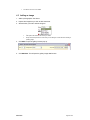
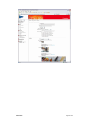
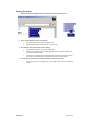
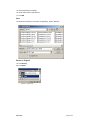
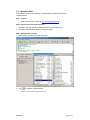
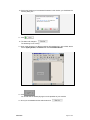
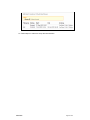
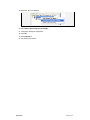
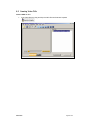
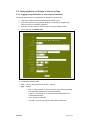
7. Click Add Child on the parent page to create your new page.
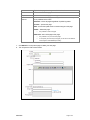
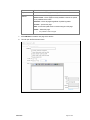
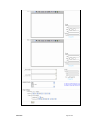
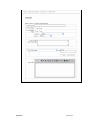
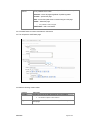
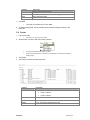
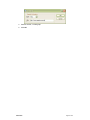
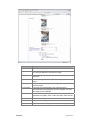
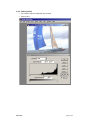
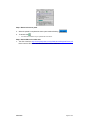
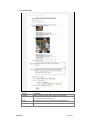
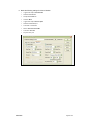
8. This will open the Edit Content screen:
8/04/2005
Page 6 of 59