1
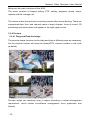
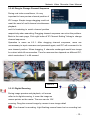
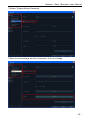
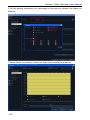
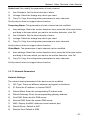
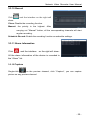
Network Video Recorder User Manual 3.3.4.2 Drag to Change Channel Sequence During real video surveillance, it’s very important to have preview channel position of IPC image. Simple image dragging could not meet the need of multi-channel simultaneous playback and it’s frustrating to match channel position respectively when searching. Dragging channel sequence can solve this problem. Back to the main page, Click right button“IP Channel Setting”drag to change channel sequence. Operation is same as 6.3.1. After dragging channel sequence, users are unnecessary to input username and password again, and IPC will reconnect in its new channel position. When dragging, 2 channels exchanged would lose image for a short while till reconnection. Time for reconnection depends on different IPC, which costs about 1 to 60 second. Zoom In 3.3.3.3 Digital Zooming During image preview and playback, roll mouse roller to do digital zooming, it zoom the image as mouse pointer as the center. The max can do 15X zooming. Drag the zoomed image by mouse to see image detail The channel is recording. Light flashing means frame lost or recording lost. - 13 -