1
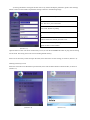
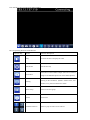
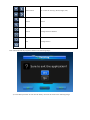
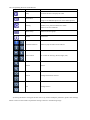
The corresponding functions of the Buttons:
Function Key
Name
Descriptions of the functions
Play
Connect the device and play the video
Screenshot
Setting
Screenshot of the available images (Save the screenshot
image to the defaulted photo root of the mobile phones)
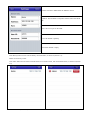
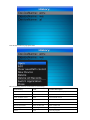
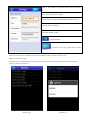
Setting of the IP address, dynamic domain name, Port
number, user, password and device names.
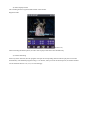
Next Channels
Select to the next channels
Exit
Exit
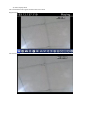
Full Screen
Full screen viewing
Channel Selection
Select to play the video of one channel
PTZ Control
To control the PTZ (Up, Down, Right, Left)
Focus, Zoom, Iris
To widen and Truncate, adept the focus distance