1
PMSoft User Manual
A.1 Installing the USB Driver for a Motion Controller
The installation of the USB driver for a motion controller on Windows XP is introduced below. If
users want to install the USB driver for a motion controller on another operating system, they have
to refer to the instructions in the operating system for more information about the installation of new
hardware.
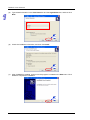
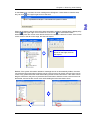
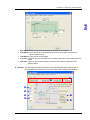
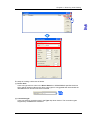
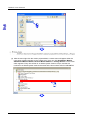
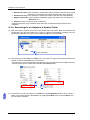
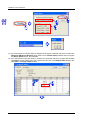
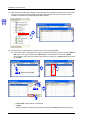
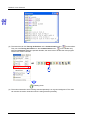
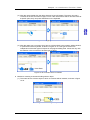
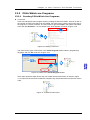
(1) The users have to make sure that the motion controller is supplied with power normally. They
have to connect the motion controller to a USB port on the computer with a USB cable, and click
Cancel in the Found New Hardware Wizard window.
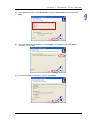
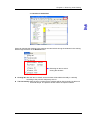
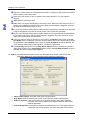
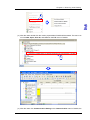
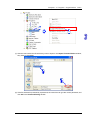
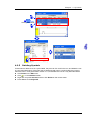
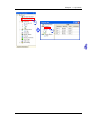
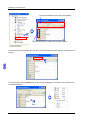
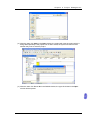
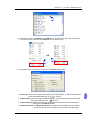
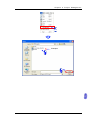
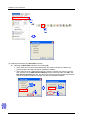
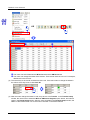
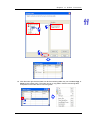
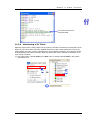
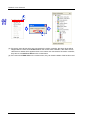
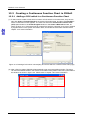
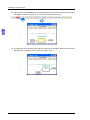
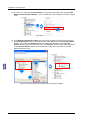
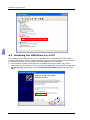
(2) The users have to double-click the USB driver in the PMSoft x.xx folder. The default path which
denotes the folder in which the USB driver is saved is C:\Program Files\Delta Industrial
Automation\PMSoft x.xx\drivers\CP210x_VCP_Win_XP_S2K3_Vista_7. x.xx is the version of
PMSoft.
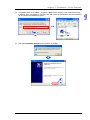
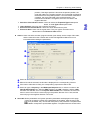
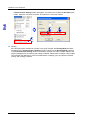
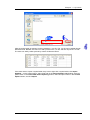
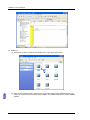
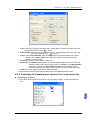
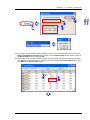
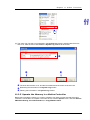
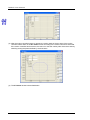
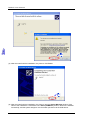
(3) The installation of the USB driver is the same as the installation of a general program. After the
A-2