1
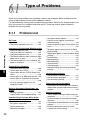
Cleaning the Density
Sensor
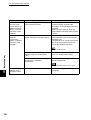
When the printer's density sensor is dirty, follow the procedure below to clean it.
Procedure
Troubleshooting
6
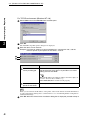
1
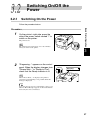
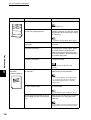
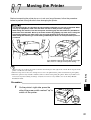
On the printer's right side, press the
side of the power switch marked " " to
switch off the printer.
2
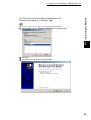
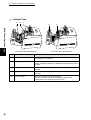
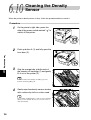
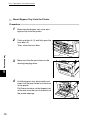
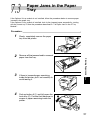
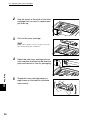
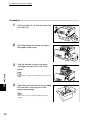
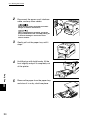
Push up button A (1) and fully open the
front door (2).
3
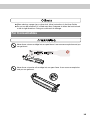
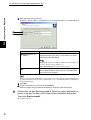
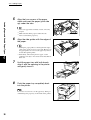
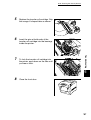
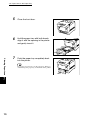
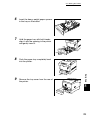
Grip the orange tabs at both ends of
the transfer roll cartridge (1) and gently
lift it out of the printer (2).
Lift the transfer roll cartridge carefully to prevent
transfer roll from spilling out.
4
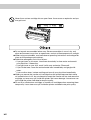
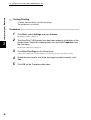
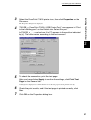
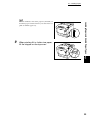
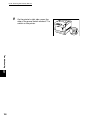
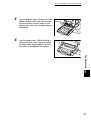
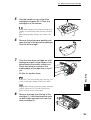
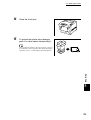
Gently wipe the density sensor window
with a clean dry cloth or cotton swab.
Do not allow anything hard to come in contact with the
density sensor window. Do not use excessive force to
clean the window.
166