1
e-Link First Time User Guide
Initialize the Programmer
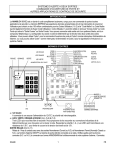
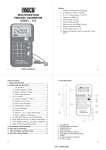
1. Load 3pc of AAA 1.5v batteries to the back of the Programmer,
2. Go to “Programmer > Programmer Tools” in the software menu.
then connect the White USB cable to the back of the Programmer,
3. Choose “Initialization”
and the other end to the PC USB port.
4. Choose “Current System Code”
5. Click “Start” button to begin initialization for Programmer.
21 Back to Menu
www.waferlock.com