1
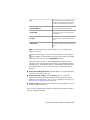
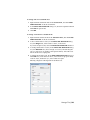
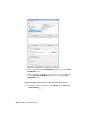
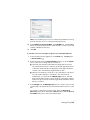
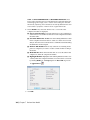
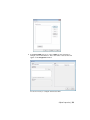
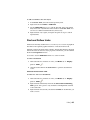
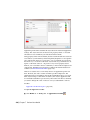
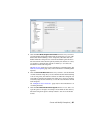
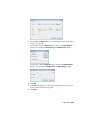
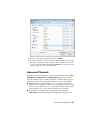
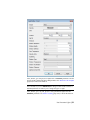
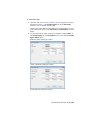
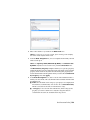
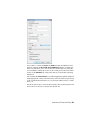
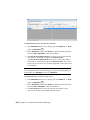
NOTE The CSV import settings, including field mappings, are remembered
by the system and pre-populated when the dialog box opens. If you are
linking to a different CSV file than was previously used, TimeLiner will
attempt to map any columns to similarly-named columns in the CSV file.
It is recommended that you have a column in the CSV file containing
unique data, for example an incrementing number, and map this to the
External ID column. This allows data synchronization to work even
if major changes are made to the CSV file. If this field is not mapped
then you will be unable to rebuild or synchronize the data source.
■
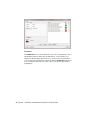
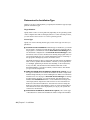
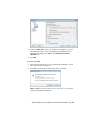
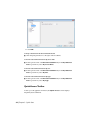
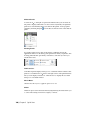
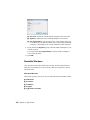
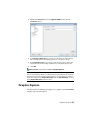
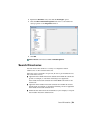
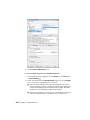
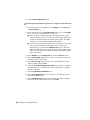
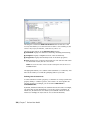
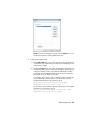
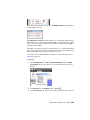
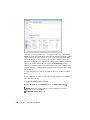
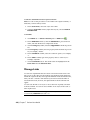
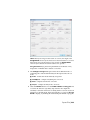
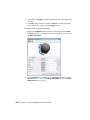
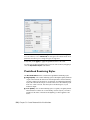
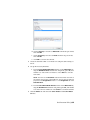
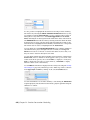
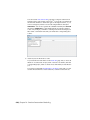
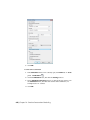
Select the Row 1 Contains Headings check box if you want the
first row of data in your CSV file to be treated as column headings.
TimeLiner will use it to populate the External Field Name options
in the grid.
If the first row of data in your CSV file does not contain column
headings, clear this check box.
■
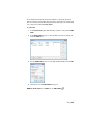
Select the Automatically Detect Date and Time option if you
want TimeLiner to attempt to determine the date/time format used
in your CSV file. First, TimeLiner applies a set of rules to try to
establish the date/time format used in the document; if it is not
possible, it uses the local settings on your system.
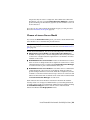
Select the Use Specific Date/Time Format option if you want to
manually specify the date/time format that should be used. When
this radio button is selected, you can enter the required format into
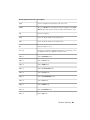
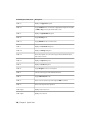
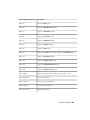
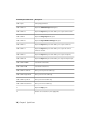
the box provided. For the list of valid codes, see Field Selector Dialog
Box (page 616).
NOTE If one or more date/time-based columns are found to contain
fields where the data cannot be mapped to a valid date/time value using
the manually-specified format, TimeLiner will 'fall back' and attempt to
use the automatic date/time format.
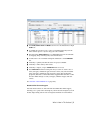
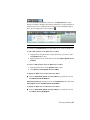
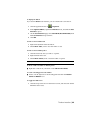
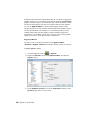
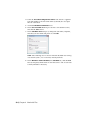
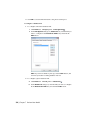
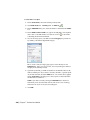
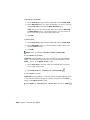
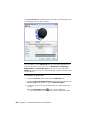
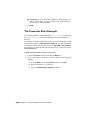
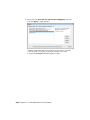
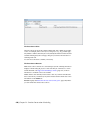
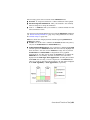
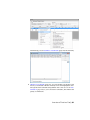
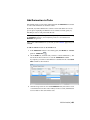
6 By default, your data source is called “New Data Source(x)”, where “x”
is the latest available number. To make your data source more descriptive,
right-click it, click Rename on the shortcut menu, and enter a new
name.
You are now ready to Build Tasks from Data Sources (page 655).
Link to External Project Files | 653