1
Table of Contents
i
Table of Contents
Safety warnings and precautions ...................................... 1
Important safety instructions............................................ 2
Notes on the LCD panel of this display..................................... 2
Safety notice for remote control................................................. 3
Battery safety notice ....................................................................... 3
BenQ ecoFACTS.............................................................................. 4
Package contents ................................................................. 5
Setting up the display .......................................................... 6
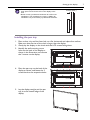
Mounting the display....................................................................... 6
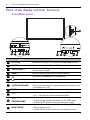
Parts of the display and their functions .......................... 8
Front/Rear panel ............................................................................. 8
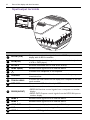
Input/output terminals................................................................. 10
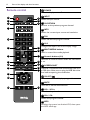
Remote control............................................................................. 12
Using the remote control ........................................................... 14
Connection ......................................................................... 15
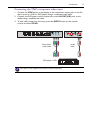
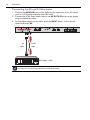
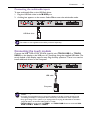
Connecting audio/video signals ................................................. 15
Connecting the touch module................................................... 19
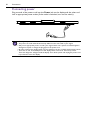
Connecting power........................................................................ 20
Using the touch screen..................................................... 21
Important instructions for using the touch screen............... 25
Basic operations................................................................. 26
Turning the display on or off .....................................................
Initial Setup.....................................................................................
Switching input signals .................................................................
Downloading software ................................................................
Setting up Internet connection..................................................
Updating software ........................................................................
Restoring to the default settings...............................................
Adjusting audio volume level .....................................................
26
26
27
27
28
29
29
29