1
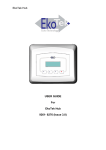
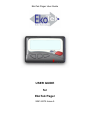
EkoTek Pager User Guide
Introduction
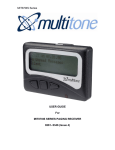
Your EkoTek pager is an alphanumeric two-way messaging device,
incorporating an emergency calling facility. The pager is able to
receive text messages, send basic responses and provides the
ability to store messages for later viewing. The high contrast screen
is capable of displaying up to 150 characters and all menus are
displayed in plain language text. Operation of all functions is
performed via intuitive menus using three tactile buttons and the red
button is used to raise an alarm. To gain full benefit from this
product please read this guide carefully.
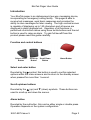
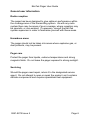
Function and control buttons
Select / Enter
Button
Scroll Up
Button
Scroll Down
Button
Alarm Button
Select and enter button
Denoted by the X symbol, this button is used to confirm selected
options within the menu screens and to return to the standby screen
when pressed for more than 1 second.
Scroll up/down buttons
Denoted by the S (up) and T (down) symbols. These buttons are
used to scroll up and down the menus.
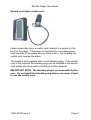
Alarm button
Denoted by the red button, this can be either single or double press.
Operation depends on the system configuration.
9261-8275 Issue 5
Page 3