1
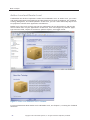
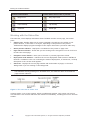
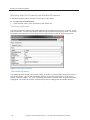
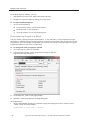
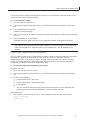
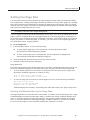
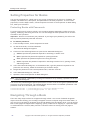
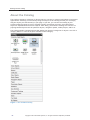
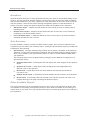
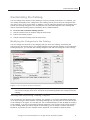
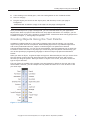
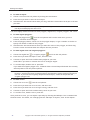
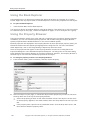
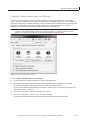
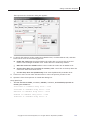
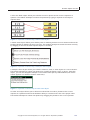
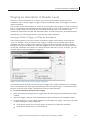
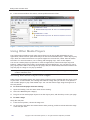
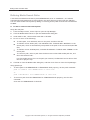
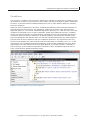
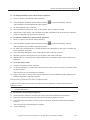
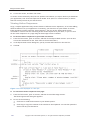
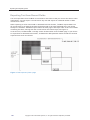
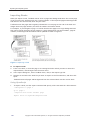
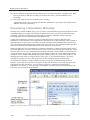
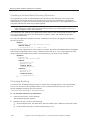
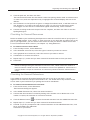
Learning the ToolBook Interface ► To display the Catalog: x Do one of the following: From the View menu, choose Catalog. Click the Catalog button Press F2. on the ToolBook toolbar. For more information about using Catalog objects to build an application, see Chapter 5, "Working with the Catalog." Working with the ToolBook Coach The ToolBook Coach is a convenient reference tool that provides context-sensitive information as you're authoring. The Coach displays tips and suggestions about the page you're working on, stepby-step procedures for any object you select, and design guidance. Leave the Coach open as you work and note how the information in the Coach window changes dynamically according to the object and page you're working with. ► To display the Coach: x From the Help menu, choose Coach. Figure 5: The ToolBook Coach 38 Copyright © 2012 SumTotal Systems, Inc. All rights reserved. Duplication prohibited.