1
Using the Actions Editor
3.
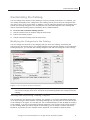
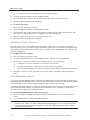
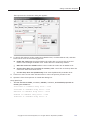
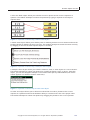
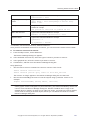
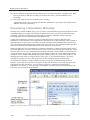
From the Actions Editor File menu, choose Import Actions.
The Import Actions dialog box appears.
4.
Navigate to and select the .tba file you want to import, and then click OK.
Importing and Exporting from the Shared Actions Dialog Box
You can export an entire shared action sequence at once using the Export command in the Shared
Actions dialog box. You can also import any .tba file as a new shared action sequence using the
Import command.
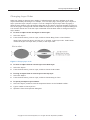
► To export a shared action sequence in the Shared Actions dialog box:
1.
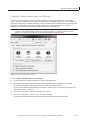
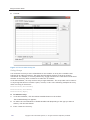
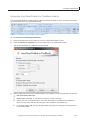
From the Objects menu, choose Shared Actions.
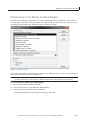
The Shared Actions dialog box appears.
2.
Select the shared action sequence you want to export, and then click Export.
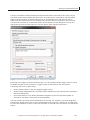
The Export Shared Actions dialog box appears.
3.
Navigate to the file location where you want to save the .tba file, type a name for the file,
and then click OK.
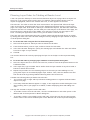
► To import in the Shared Actions dialog box:
1.
From the Objects menu, choose Shared Actions.
The Shared Actions dialog box appears.
2.
Click Import.
3.
Select the .tba file you want to import, and then click OK.
4.
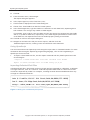
In the Shared Actions dialog box, in the Name box, select NewSharedAction, and replace it
with a descriptive name.
5.
Optional. Click Edit to make any changes to the new shared action sequence you imported.
6.
Click Close.
218
Copyright © 2012 SumTotal Systems, Inc. All rights reserved. Duplication prohibited.