1
ECaccess User Guide
7.2
Monitoring file transfers initiated with ectrans
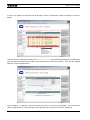
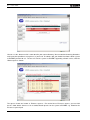
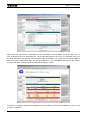
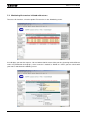
To access this interface, select the option “File transfers” in the “Monitoring” menu.
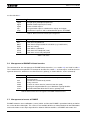
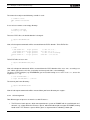
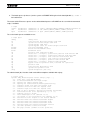
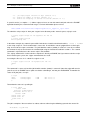
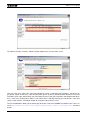
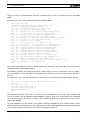
A list displays your transfer requests. You are informed of the status of the transfers (meanings of the different
values are provided in the help tips). Once a transfer is marked as “DONE” or “STOP” you can select it with
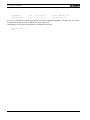
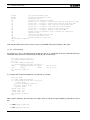
your mouse and obtain the following screen:
46
ECMWF Technical Notes