1
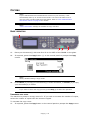
CONFIGURATION TOOL
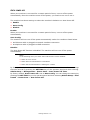
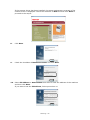
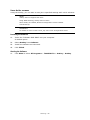
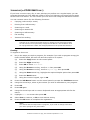
Installation of the Configuration Tool is optional and can be found on the DVD in the Utilities
folder. Follow the on-screen instructions to complete the Configuration Tool installation.
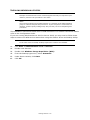
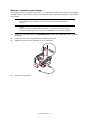
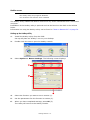
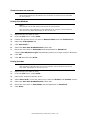
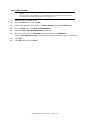
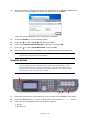
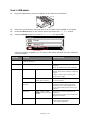
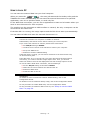
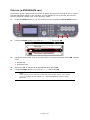
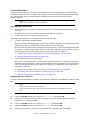
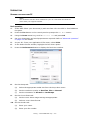
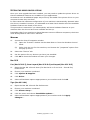
The Configuration Tool can discover devices over USB or network connections.
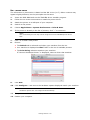
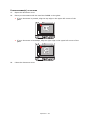
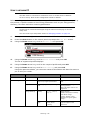
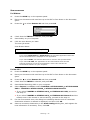
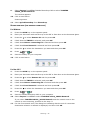
1.
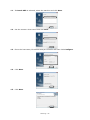
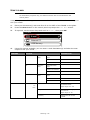
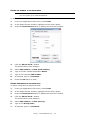
To search and install, select Tools > Register Device.
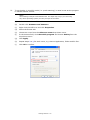
2.
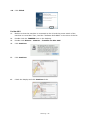
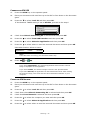
Highlight the required search result and when prompted click Yes.
e-STUDIO264CS
(USB001)
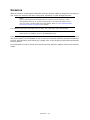
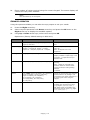
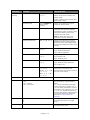
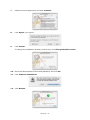
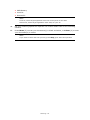
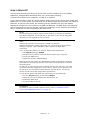
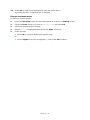
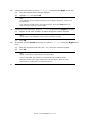
The Configuration Tool allows you to set up and manage your MFP. Refer to the
Configuration Guide for detailed instructions.
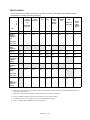
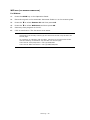
NOTE
Network settings, such as LDAP configuration, cannot be saved to the MFP
from the Configuration Tool. For such settings, use the MFP operator panel or
MFP web page.
Getting started > 30