1
!
!
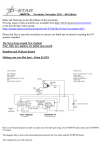
note:
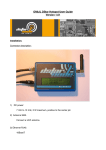
- if DV squelch mode is used, pin6 can be left unconnected
- node can also be used duplex mode using J2 only by connecting J1 pin 3 with J2
pin 3 together.
4) J4 - Ethernet RJ45:
!
!
10BaseT or 100BaseT
Setting contrast and backlight:
Apply DC power to the node.
First turn the backlight pot to set the backlight to desired level. Some level of backlight is
needed for the contrast to work, so don't set backlight totally off.
Next set the contrast pot for maximum screen readability.