1
Chapter 8
Device management
Controlling outputs
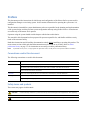
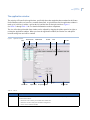
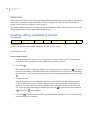
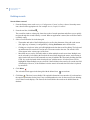
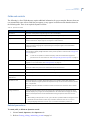
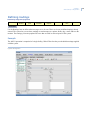
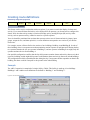
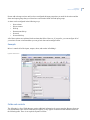
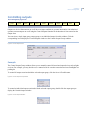
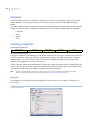
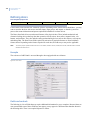
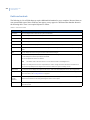
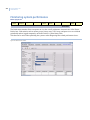
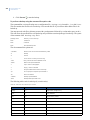
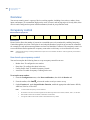
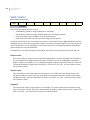
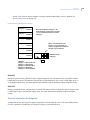
Device management progress bar
Create output
groups
Create input
groups
Define
micros
Encrypt
data
Flash
micros
Create output
records
Create input
records
Control
outputs
Access
Secure
Verify time
zones
Finished!
You are here!
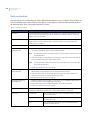
Outputs are devices that can turn on or off due to an input condition or operator intervention. An authorized
operator can turn outputs on or off using the Control Outputs function for the duration of time entered on the
Output form.
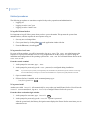
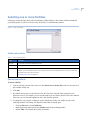
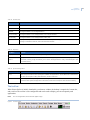
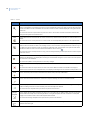
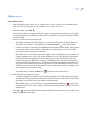
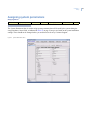
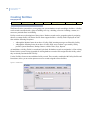
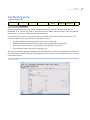
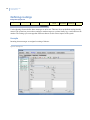
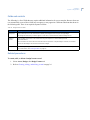
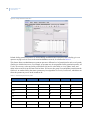
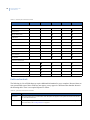
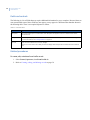
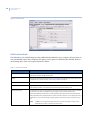
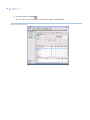
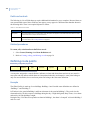
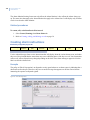
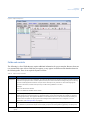
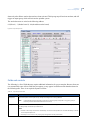
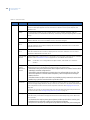
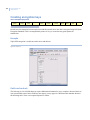
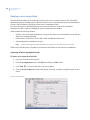
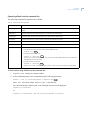
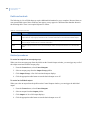
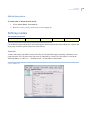
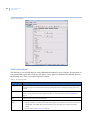
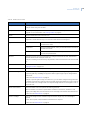
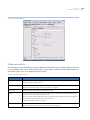
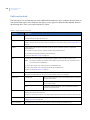
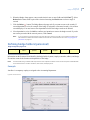
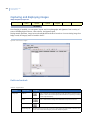
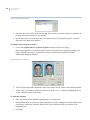
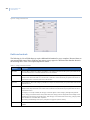
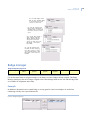
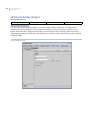
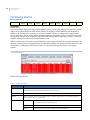
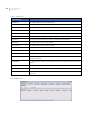
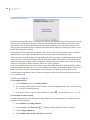
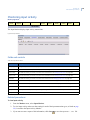
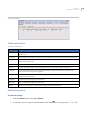
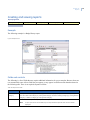
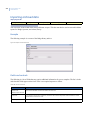
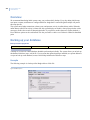
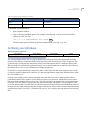
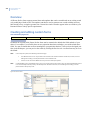
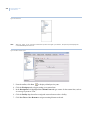
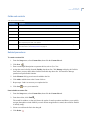
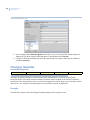
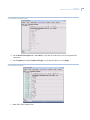
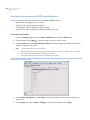
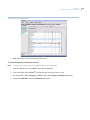
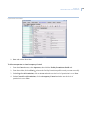
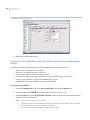
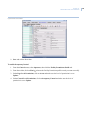
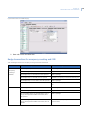
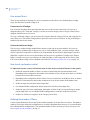
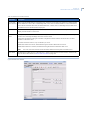
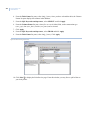
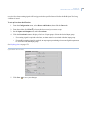
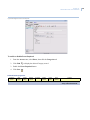
You can select a single input group, output group, or an individual output from this window. Click the
corresponding icon to display the Control Outputs window or the Control Output Groups window.
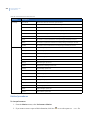
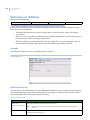
Figure 64. Control Outputs Form
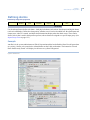
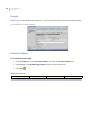
Example
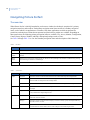
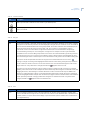
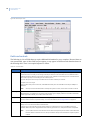
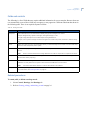
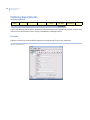
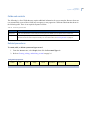
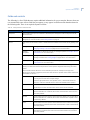
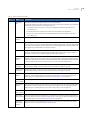
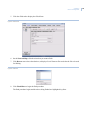
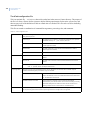
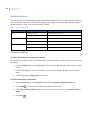
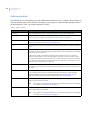
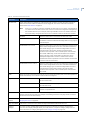
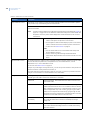
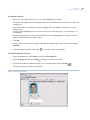
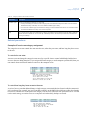
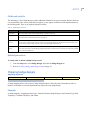
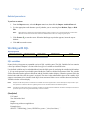
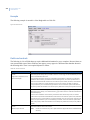
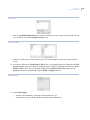
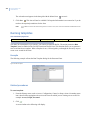
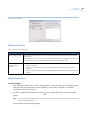
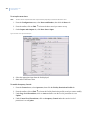
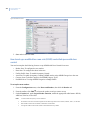
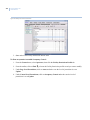
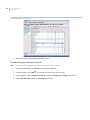
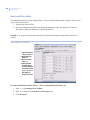
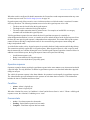
The Control Output Groups window allows you to manually control all associated output devices such as lights
or sirens. For example, you may decide to use a manual reset for a motion sensor that activates floodlights in a
parking lot.
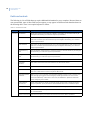
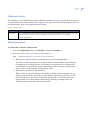
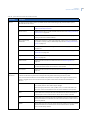
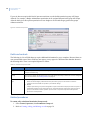
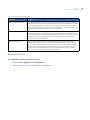
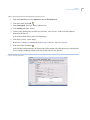
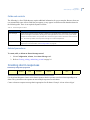
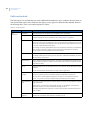
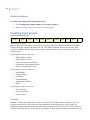
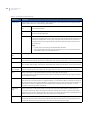
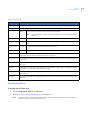
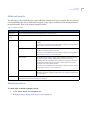
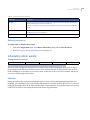
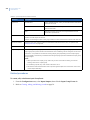
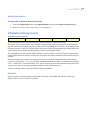
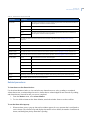
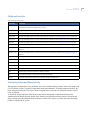
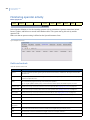
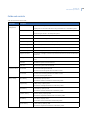
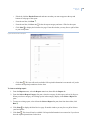
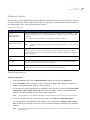
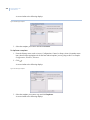
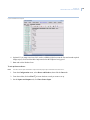
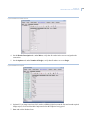
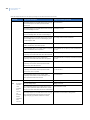
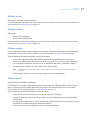
To control all outputs associated with the selected output group, click the On or Off radio button.
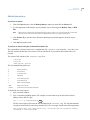
Figure 65. Control Output Group Window
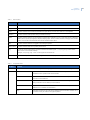
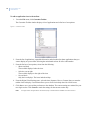
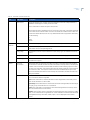
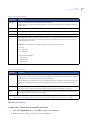
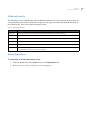
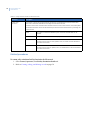
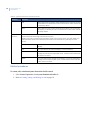
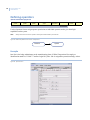
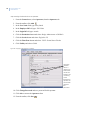
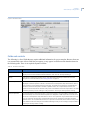
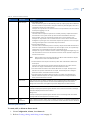
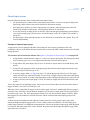
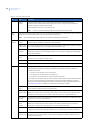
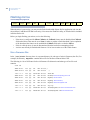
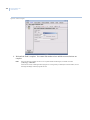
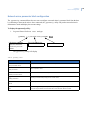
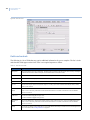
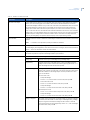
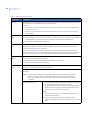
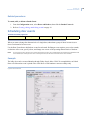
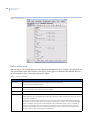
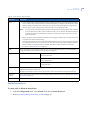
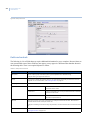
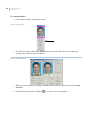
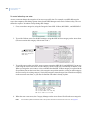
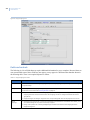
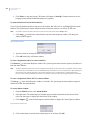
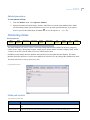
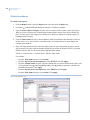
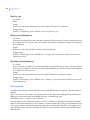
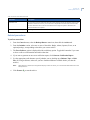
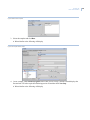
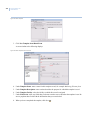
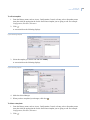
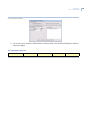
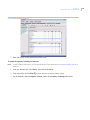
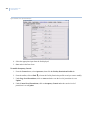
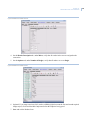
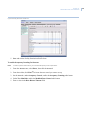
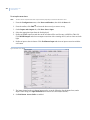
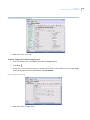
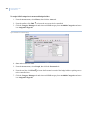
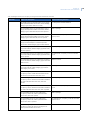
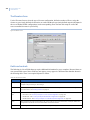
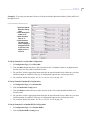
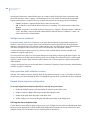
To control an individual output associated with the selected output group, double click the output group to
display the Control Outputs window.
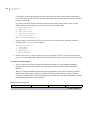
Figure 66. Control Outputs Window
157