1
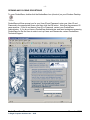
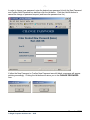
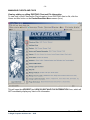
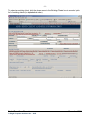
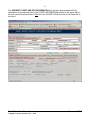
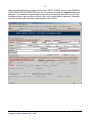
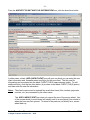
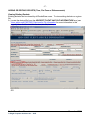
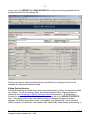
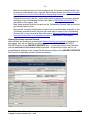
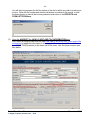
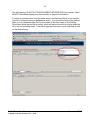
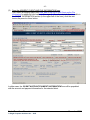
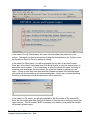
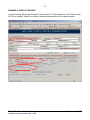
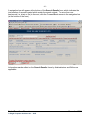
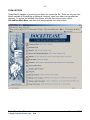
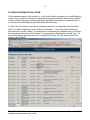
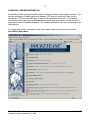
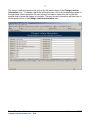
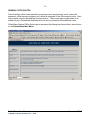
- 44 This will open the CLIENT ACCOUNT/PAYMENT INFORMATION form (below), which
will NOT immediately display any client account or payment information.
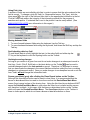
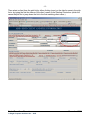
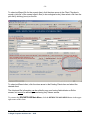
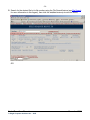
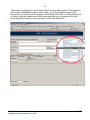
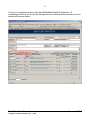
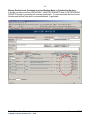
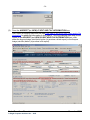
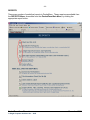
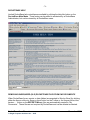
To select an existing client, click the down arrow in the Existing Clients box to reveal a
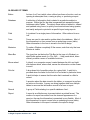
‘pick-list’ of existing clients (in alphabetical order). If you know the name of the desired
client, you can thereafter type the first few letters of the client name in the Existing
Clients box (while the pick-list is visible), which will cause the pick-list to jump down the
list to the first matching client. Then either type the Enter key on your keyboard or click
on the desired client.
DocketEase User Manual
© Daigle Computer Intuitions Inc. - 2005
December 2005