1
Disposition Spatial Processing Tool Public User Manual
3.6
The Information Pane
The information pane is a multi-use panel that displays many kinds of data. When you do a search or use the Identify tools,
the results of the search or selection display in the information pane and it is then referred to as the Results List. When you
activate map layers, the panel is referred to as the Map Layers list or the Layer List.
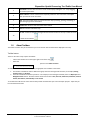
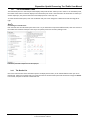
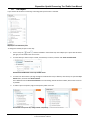
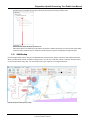
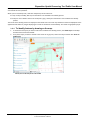
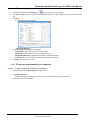
To resize the information pane, hover over the divider until your cursor changes to a double arrow and then drag left or
right.
Cursor changes to a double arrow
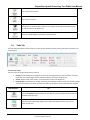
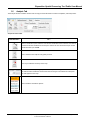
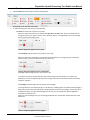
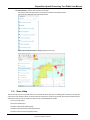
Each tool that uses the information panel has an icon. As you work with a map and use different tools, their icons remain in
the toolbar at the bottom of the pane so that you can quickly return to that tool by clicking its icon.
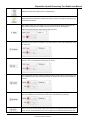
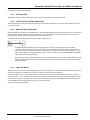
Information panel with multiple kinds of data displayed
3.6.1
The Results List
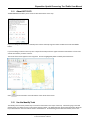
One of the main functions of the information panel is to display search results, or list selected features when you use an
Identify tool. When you use these tools, any results are listed in the information panel and the title bar changes to Results.
In this mode, the panel is referred as the Results List.
Apr 10, 2014
Disposition Spatial Processing Tool User Manual
© 2014 Government of Alberta
Page 16 of 33