1
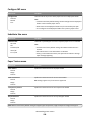
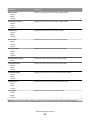
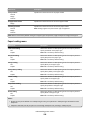
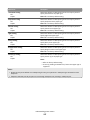
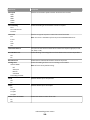
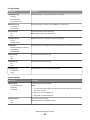
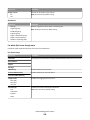
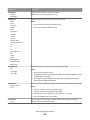
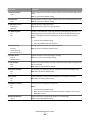
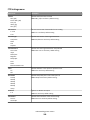
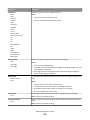
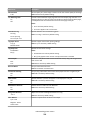
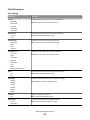
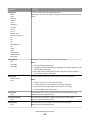
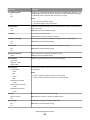
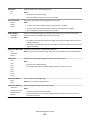
Restoring factory default settings
If you want to retain a list of the current menu settings for reference, then print a menu settings page before restoring
the factory default settings.
Warning—Potential Damage: Restoring factory defaults returns most printer settings to the original factory default
settings. Exceptions include the display language, custom sizes and messages, and network/port menu settings. All
downloads stored in RAM are deleted. Downloads stored in flash memory or on a printer hard disk are not affected.
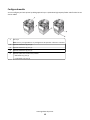
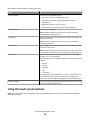
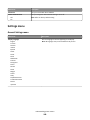
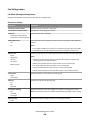
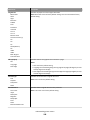
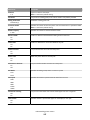
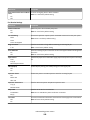
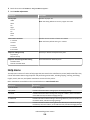
From the home screen, navigate to:
> Settings > General Settings > Factory Defaults > Restore Now > Submit
Administrative support
261