1
C H A P T E R
17
Media Master Control Bar Keyboard
Shortcuts
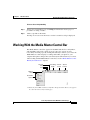
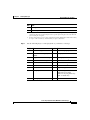
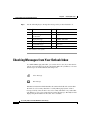
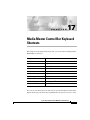
This chapter lists the keyboard shortcuts that you can use when working with the
Media Master control bar.
Key(s)
Task
Alt-Shift-P
Play/Pause
Alt-Shift-S
Stop
Alt-Shift-R
Record/Pause
Alt-Shift-M
Open Options menu
Alt-Shift-F
Skip forward
Alt-Shift-B
Skip back
Alt-Shift-Up Arrow
Increase volume
Alt-Shift-Down Arrow
Decrease volume
Alt-Shift-Right Arrow
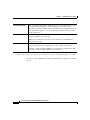
Faster playback1
Alt-Shift-Left Arrow
Slower playback1
1. Speed control is available only in ViewMail and the Cisco Unity Inbox.
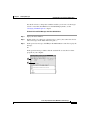
You can also use the keyboard to make selections from the Options menu. In the
Options menu, press the letter that is underlined for the option you want to select.
Cisco Unity 4.0(4) User Guide (With Microsoft Exchange)
OL-5853-01
17-1