1
Maplewood ConnectEd - Teachers’ Guide
Login
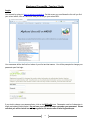
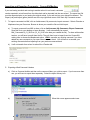
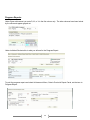
You connect by going to: https://maplewood.amdsb.ca. On this screen you scroll down the list until you find
your school name, click on it and it will take you directly to your school URL.
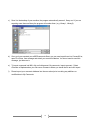
Your username will be the first four letters of your first and last names. You will be prompted to change your
password upon first login.
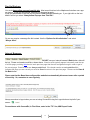
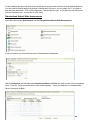
If you wish to change your password later, click on the MY Profile Icon. Passwords must be 8 characters in
length and alpha/numeric/capital. Do not have your Internet Browser remember your password. Please
note that you will be locked out of the program for 30 minutes after 5 failed login attempts.
3