1
Navigating Career Cruising
Menu Bar
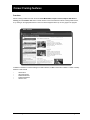
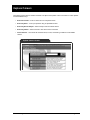
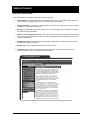
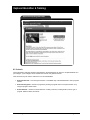
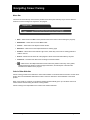
The menu bar across the top of each screen provides users with a quick and easy way to move to different
sections of Career Cruising from anywhere in the program.
Top Menu Bar
•
Main – Takes users to the Main screen (the first screen users come to when entering the program).
•
Matchmaker – Takes users to Career Matchmaker.
•
Careers – Takes users to the Explore Careers section.
•
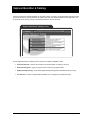
Education – Takes users to the Explore Education & Training page.
•
Portfolio – Takes users to the Portfolio Login screen, where they can access an existing portfolio or
create a new one.
•
Search – Allows users to search all of the program’s career and schools information by keyword.
•
Contact Us – Provides users with Career Cruising’s contact information.
•
– Takes users to the Helpful Information section where they will find a site map, user’s guides,
prepared classroom activities, technical support information, and developer’s notes about the
information and features in the program.
Links to Other Websites
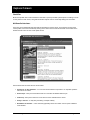
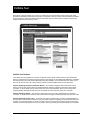
Career Cruising provides users with links to other useful websites. In the Other Resources section of each career
profile, users can find websites related to that career. There are also links to school websites in the school
profiles.
When a user clicks on a web link, a new browser window will automatically open up. This allows users to do
further research without leaving the Career Cruising website.
Career Cruising is not responsible for the content of the external web links.
Career Cruising User’s Guide
Page 20