1
Early Warning System User Guide
EWS – ISSUE MANAGEMENT
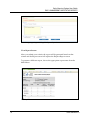
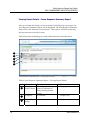
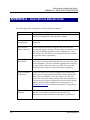
Batches Involved Tab
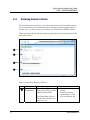
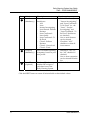
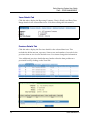
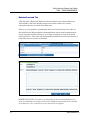
Click this tab to display the Batches Involved details for the selected data issue.
This includes a list of the batches and provinces that contain one or many
transactions that are involved in the data issue.
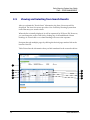
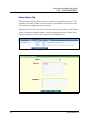
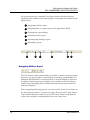
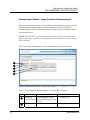
When you are prepared to resubmit the data involved in the data issue, click on
the Send Reversal Request Email command button and an email communication
can be prepared and sent directly to your DQA to request reversal of the listed
batch/provinces. This email will automatically include the Issue ID and the list of
batch/provinces in content of the email.
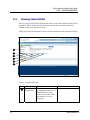
Issue Detail Screen – Batches Involved
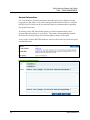
Issue Detail Screen – Send Reversal Request Email
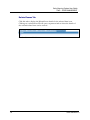
IMPORTANT NOTE: The entire set of transactions for the reversed batch/province(s)
must be resubmitted even if only a portion of the batch/province transactions are involved
in the data issue. Also, corrections to errors may need to be reapplied.
17
PROD RELEASE 1.0