1
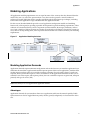
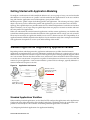
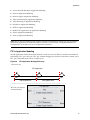
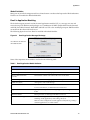
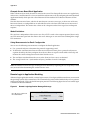
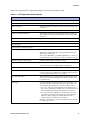
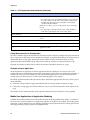
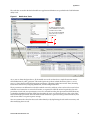
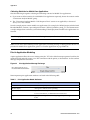
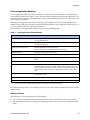
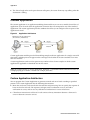
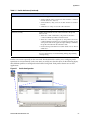
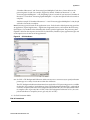
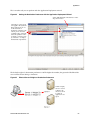
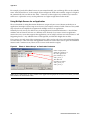
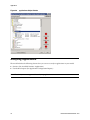
Applications Menu Operations: Applications The Protocols > Applications menu includes several operations to help you configure applications in a network model. Table 15 Application Menu Operations Menu Option Description Import from Transaction Analyzer Lets you specify Transaction Analyzer traffic as either discrete traffic or traffic flows through Transaction Analyzer dialog boxes. Deploy DES Application Demands Opens the Create Application Demands dialog box, which lets you specify multiple application demands. This functionality is described in Application Demands on page MC-14-736. Deploy Defined Applications Opens the Application Deployment Dialog in Deploy Applications mode. This lets you specify profiles and applications for nodes in the network model. Convert Transaction Analyzer Traffic (Flows - > Discrete) Opens the Application Deployment Dialog in Convert Transaction Analyzer Traffic (Flows -> Discrete) mode. This lets you select and convert flows quickly. Clear Deployments Opens a dialog that lets you choose to clear Transaction Analyzer traffic flow deployments, DES application demand deployments, or DES application deployments from the model. Model User Guide Opens this manual. Applications Object Palette The “applications” object palette contains the following models, as shown in the following figure. Application Config Profile Config Task Config Application Demand These objects are described throughout this document. Riverbed Modeler/Release 18.0 69