1
202
WinSpec/32 Manual
Version 2.5.K
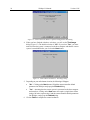
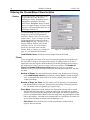
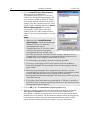
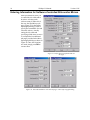
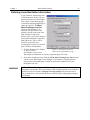
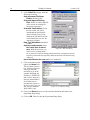
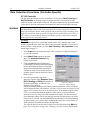
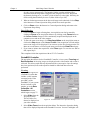
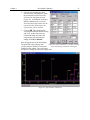
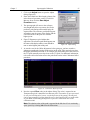
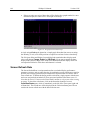
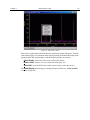
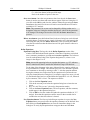
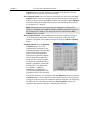
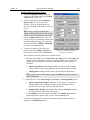
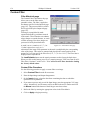
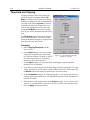
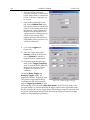
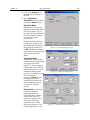
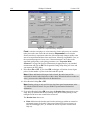
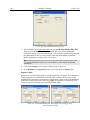
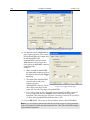
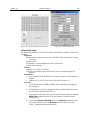
Figure 186. SuperSYNCHRO Gating tab page
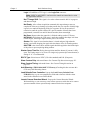
7. If the PI-MAX3 has a Gen II intensifier, you can turn Bracket Pulsing On or Off.
When it is turned On, the MCP will be biased OFF except for an interval that
brackets the timing of the photocathode gate. This minimizes optical leakage through
the photocathode to the UV-sensitive MCP when the photocathode is gated Off.
Bracket pulsing does not help in the visible region.
Note: Bracket pulsing is only useful in low duty factor gated measurements in the
UV with the PI-MAX3 camera. See your PI-MAX3 system manual for detailed
information.
8. Click on the Gating tab to bring the Gating tab page to the front.
9. Select Repetitive or Sequential and then click on the adjacent Setup button.
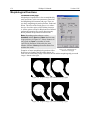
Repetitive Mode
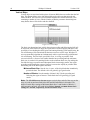
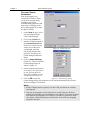
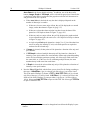
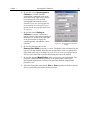
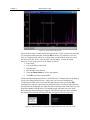
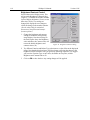
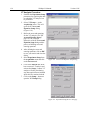
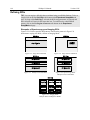
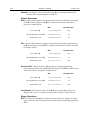
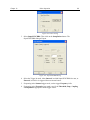
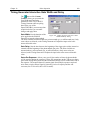
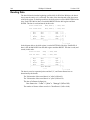
If Repetitive is selected, the Repetitive Gating setup dialog will appear. In the Repetitive
Gating mode, the Gate Width and Gate Delay remain constant over the course of the
measurement. If operating in the Repetitive Gating mode, simply set the Gate Width and
Gate Delay to the desired values and click on OK. The Repetitive Gating Setup dialog
will close and you will return to the SuperSYNCHRO dialog.
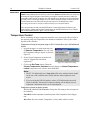
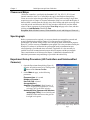
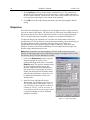
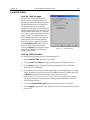
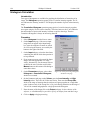
Figure 187. SuperSYNCHRO Repetitive Gating dialog (Internal Trigger on left;
External Trigger on right)