1
R
General Constraints
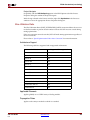
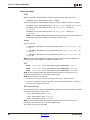
Project Navigator
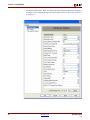
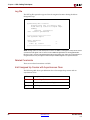
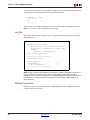
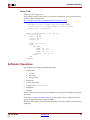
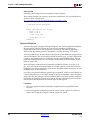
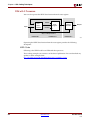
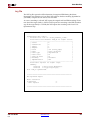
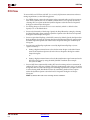
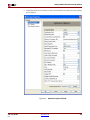
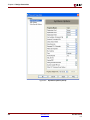
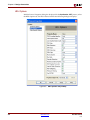
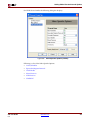
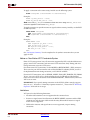
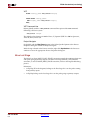
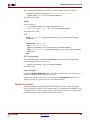
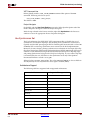
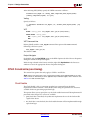
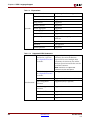
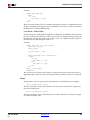
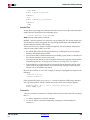
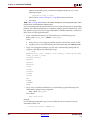
Define globally with the Optimization Effort option in the Synthesis Options tab of the
Process Properties dialog box in Project Navigator.
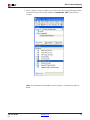
With a design selected in the Sources window, right-click Synthesize in the Processes
window to access the appropriate Process Properties dialog box.
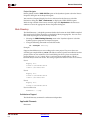
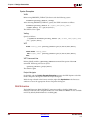
Optimization Goal
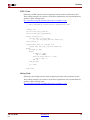
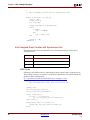
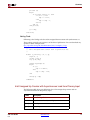
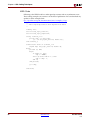
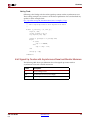
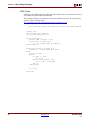
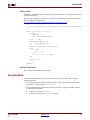
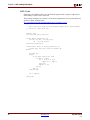
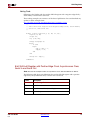
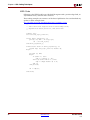
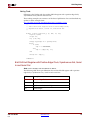
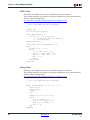
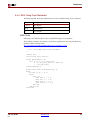
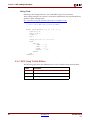
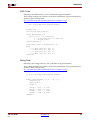
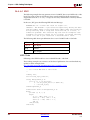
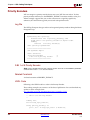
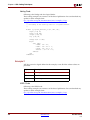
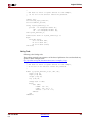
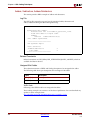
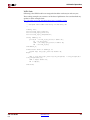
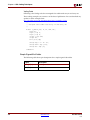
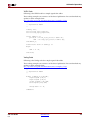
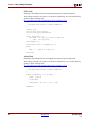
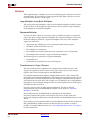
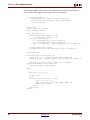
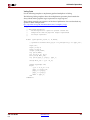
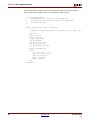
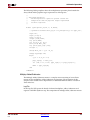
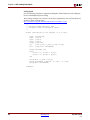
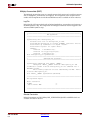
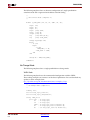
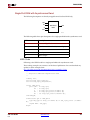
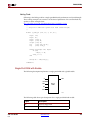
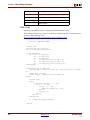
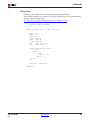
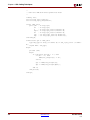
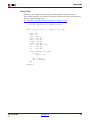
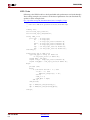
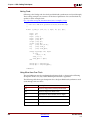
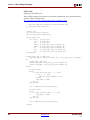
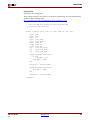
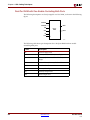
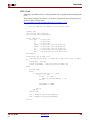
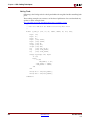
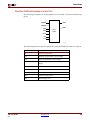
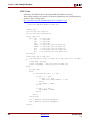
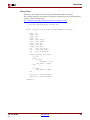
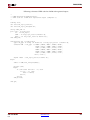
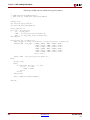
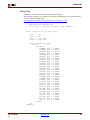
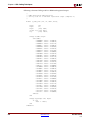
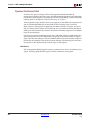
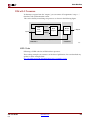
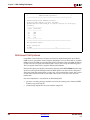
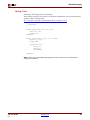
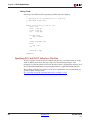
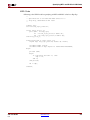
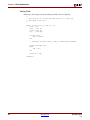
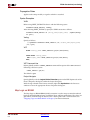
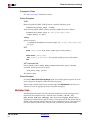
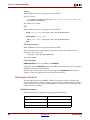
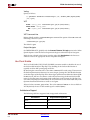
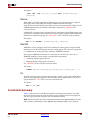
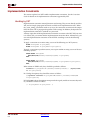
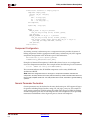
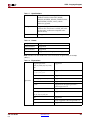
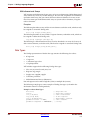
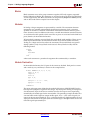
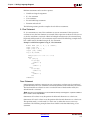
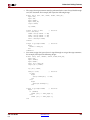
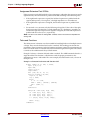
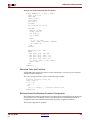
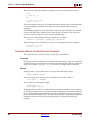
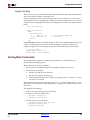
The Optimization Goal (OPT_MODE) constraint defines the synthesis optimization
strategy. Available strategies are speed and area. By default, XST optimizations are speedoriented.
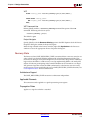
•
speed
Priority is to reduce the number of logic levels and therefore to increase frequency.
•
area
Priority is to reduce the total amount of logic used for design implementation and
therefore to improve design fitting.
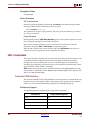
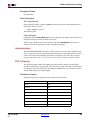
Architecture Support
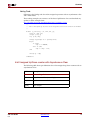
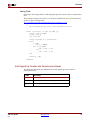
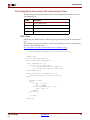
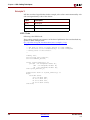
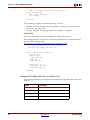
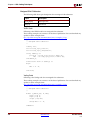
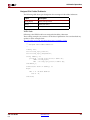
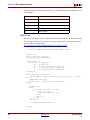
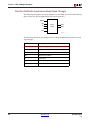
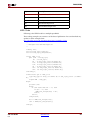
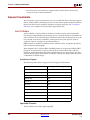
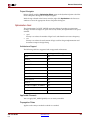
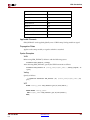
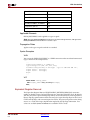
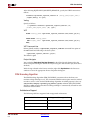
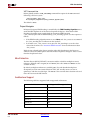
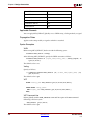
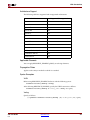
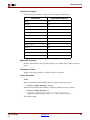
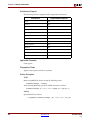
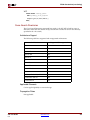
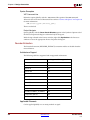
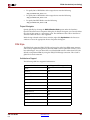
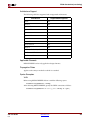
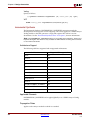
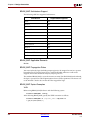
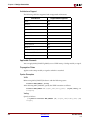
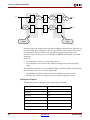
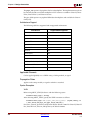
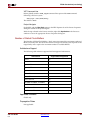
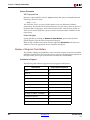
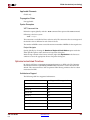
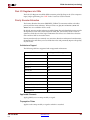
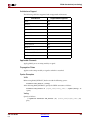
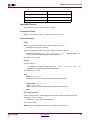
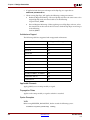
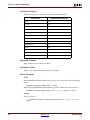
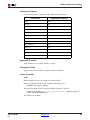
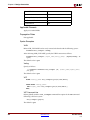
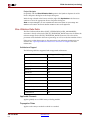
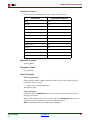
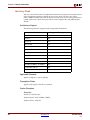
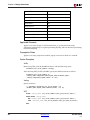
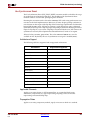
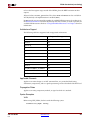
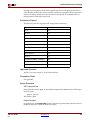
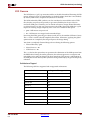
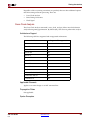
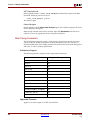
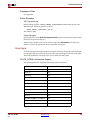
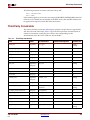
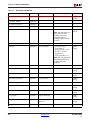
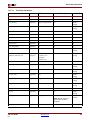
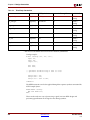
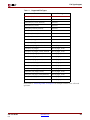
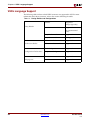
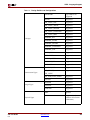
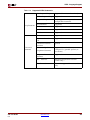
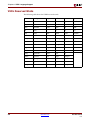
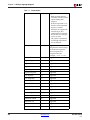
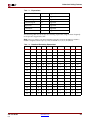
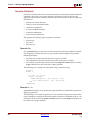
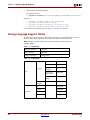
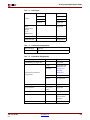
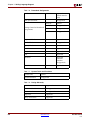
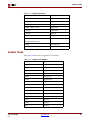
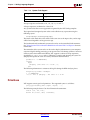
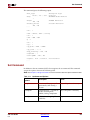
The following table lists supported and unsupported architectures.
Architecture
Supported/Unsupported
Virtex
Yes
Virtex-E
Yes
Spartan-II
Yes
Spartan-IIE
Yes
Spartan-3
Yes
Spartan-3E
Yes
Virtex-II
Yes
Virtex-II Pro
Yes
Virtex-II Pro X
Yes
Virtex-4
Yes
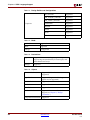
XC9500, XC9500XL, XC9500XV
Yes
CoolRunner XPLA3
Yes
CoolRunner-II
Yes
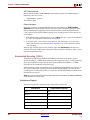
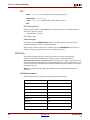
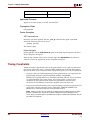
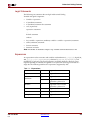
Applicable Elements
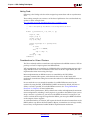
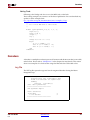
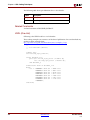
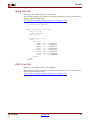
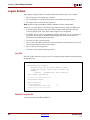
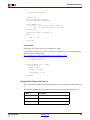
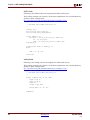
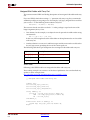
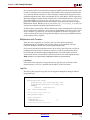
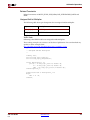
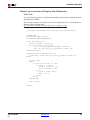
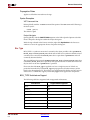
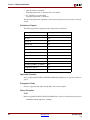
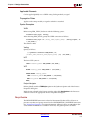
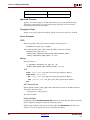
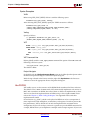
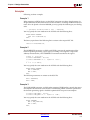
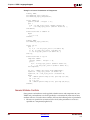
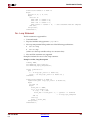
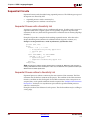
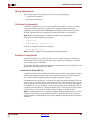
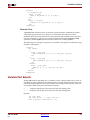
You can apply OPT_MODE globally or to an entity or module.
Propagation Rules
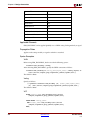
Applies to the entity or module to which it is attached.
XST User Guide
8.1i
www.xilinx.com
331