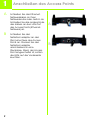
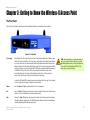
1
1
A
B
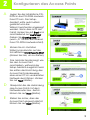
2
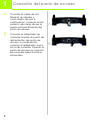
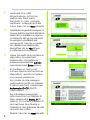
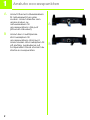
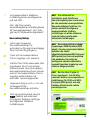
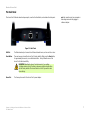
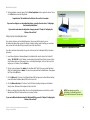
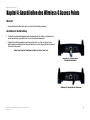
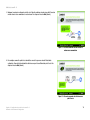
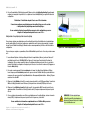
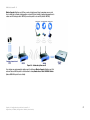
Connecting the Access Point
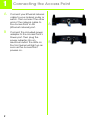
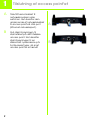
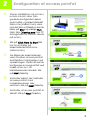
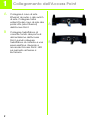
Connect your Ethernet network
cable to your network router or
switch. Then connect the other
end of the network cable to
the Access Point’s LAN
(Ethernet network) port.
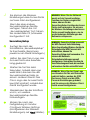
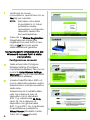
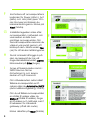
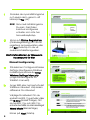
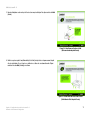
Connect the included power
adapter to the Access Point’s
Power port. Then plug the
power adapter into an
electrical outlet. The LEDs on
the front panel will light up as
soon as the Access Point
powers on.
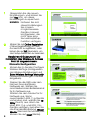
A
B