1
Hard Keys
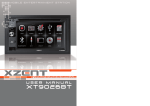
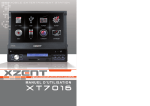
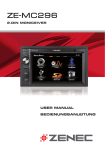
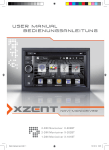
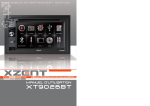
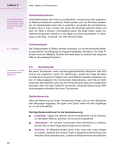
Front panel hard keys:
Operation Buttons
1) EJECT:
Press to eject.
2) MENU:
Tap to enter SOURCE MENU.
Tap to show clock on info display while device is in powered on state and
monitor is in HOME/parking position.
3) SRC:
Press multiple times until source of choice is shown on TFT/info display.
4) Rotary Encoder: Rotate to increase/decrease volume.
Press to turn ON, press&hold to turn OFF device.
While device is powered on press to mute on/off.
5) Monitor:
Press to slide monitor in/out.
Press and hold to adjust monitor tilt angle while monitor is outside.
6) Detach:
Press to release the lock system of the panel. Panel is ready for detaching.
Unit will auto power down.
Various
7) Loader Status:
RED: Disc in loader. Disc symbol on left side of the info display.
WHITE: No disc in loader. No disc symbol on left side of info display.
8) RESET:
Press to perform a reset.
9) SD card slot:
SD/SDHC card slot.
10) Info display:
Multipurpose information display.
11) Removable panel: Detach for anti theft.
12) Remotesensor:
Sensor for remote control.
1
4
3
4
2
9
10
6
7
8
11
5
12
5