1
Using the Web-Based Advanced User Interface
1
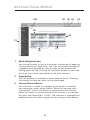
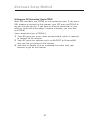
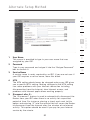
Updating the Firmware
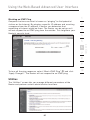
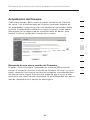
From time to time, Belkin may release new versions of the Router’s
firmware. Firmware updates contain feature improvements and fixes to
problems that may have existed. When Belkin releases new firmware,
you can download the firmware from the Belkin update website and
update your Router’s firmware to the latest version.
2
3
4
5
6
7
8
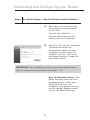
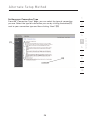
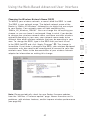
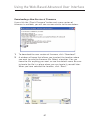
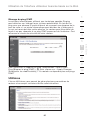
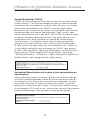
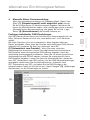
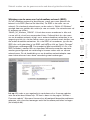
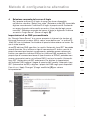
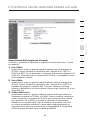
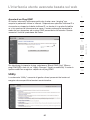
Checking for a New Version of Firmware
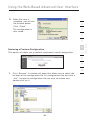
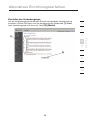
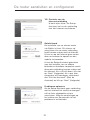
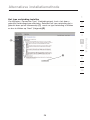
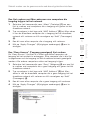
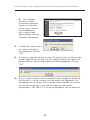
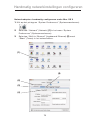
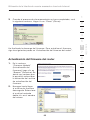
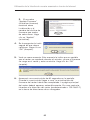
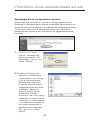
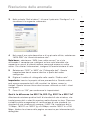
The “Check Firmware” (1) button allows you to instantly check for a
new version of firmware. When you click the button, a new browser
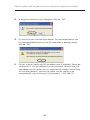
window will appear informing you that either no new firmware is
available or that there is a new version available. If a new version is
available, you will have the option to download it.
66
9
10
section
(1)