1
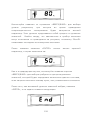
Configuring the unit will delete these records so if the stored data is
required turn the unit off and print or upload the data using SPCS
(see Printing Stored Records and Uploading Results).
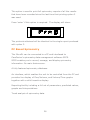
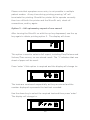
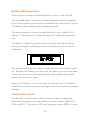
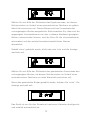
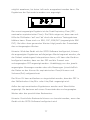
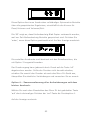
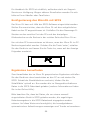
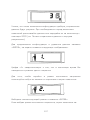
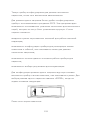
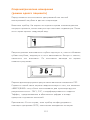
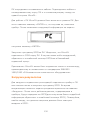
To continue with configuration and delete the data, press ‘enter’ and
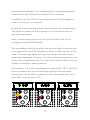
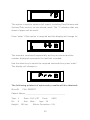
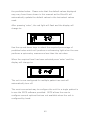
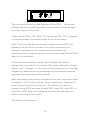
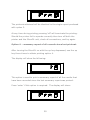
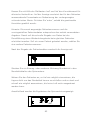
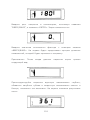
the following will be displayed:
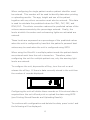
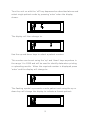
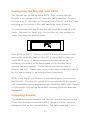
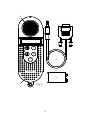
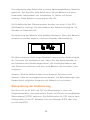
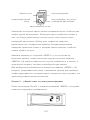
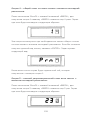
The 1 displayed indicates that the unit is set to single patient mode.
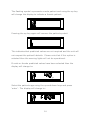
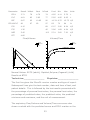
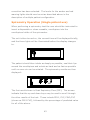
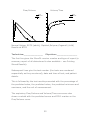
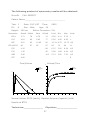
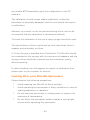
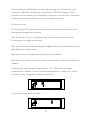
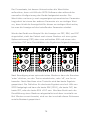
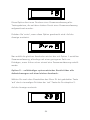
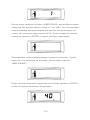
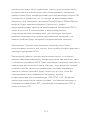
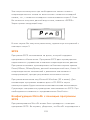
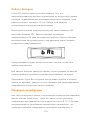
By using the up or down key, as indicated by the flashing arrows,
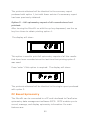
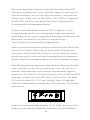
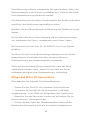
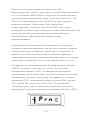
multiple patient modes may be selected when the display will
change to:
Once the required configuration is obtained, press ‘enter’.
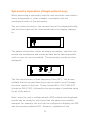
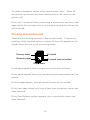
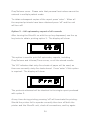
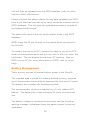
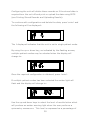
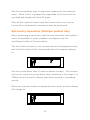
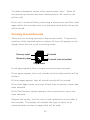
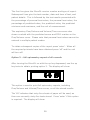
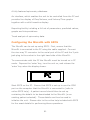
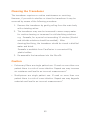
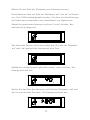
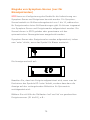
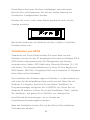
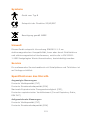
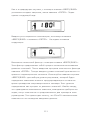
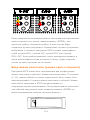
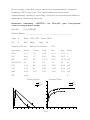
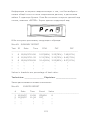
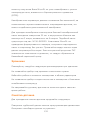
If multiple patient modes has been selected the amber light will
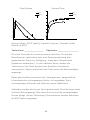
flash and the display will change to:
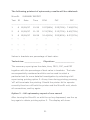
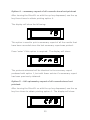
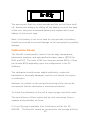
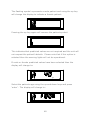
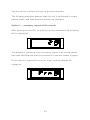
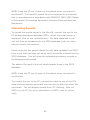
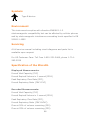
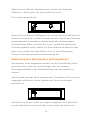
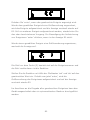
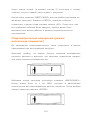
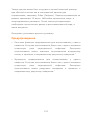
%
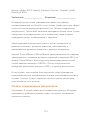
Use the up and down keys to select the level of results below which
will produce an amber warning light when the user performs a
spirometry manoeuvre. This level is expressed as a percentage of
39