1
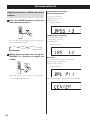
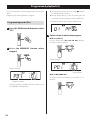
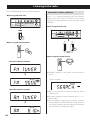
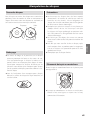
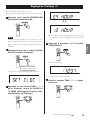
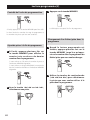
Manual station selection
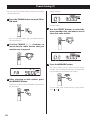
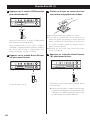
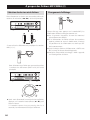
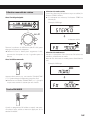
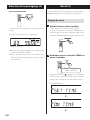
When using the main unit
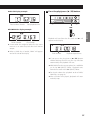
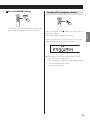
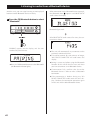
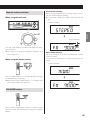
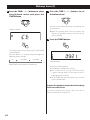
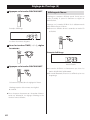
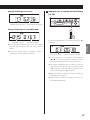
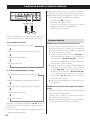
Stereo mode selection
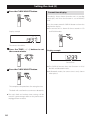
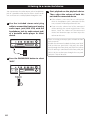
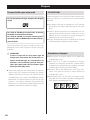
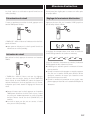
When an FM stereo broadcast is being received in stereo, the STEREO indicator appears.
oo If reception is poor, the STEREO indicator will not
light.
Display example
ENGLISH
c
Stereo indicator
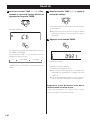
Turn the scroll (MULTI JOG) knob to change the reception frequency.
oo Turn right to increase the reception frequency and
left to decrease it.
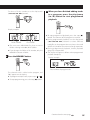
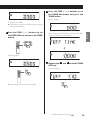
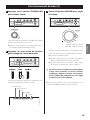
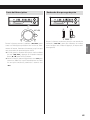
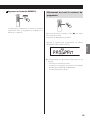
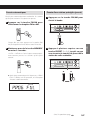
When using the remote control
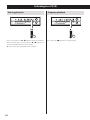
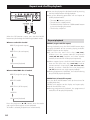
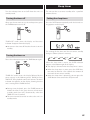
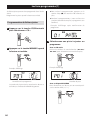
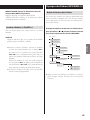
Mono mode selection
When the reception of an FM stereo broadcast is poor,
select this mode.
Use to receive broadcasts in mono to improve the
sound.
Display example
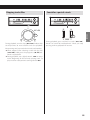
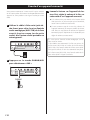
Press a TUNING/TIME (j/k) button briefly to change
the frequency by a fixed step.
oo Keep pressing the TUNING/TIME (j/k) button until
you find the station that you want.
c
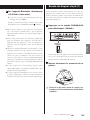
FM MODE button
When a stereo FM program is tuned in, you can switch
between stereo and mono by pressing the FM MODE
button.
49