1
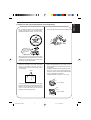
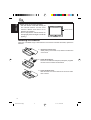
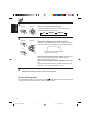
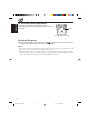
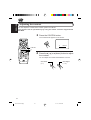
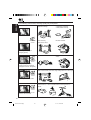
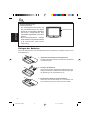
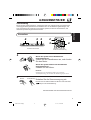
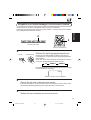
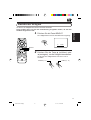
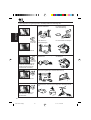
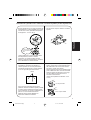
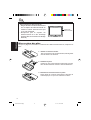
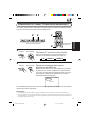
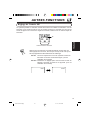
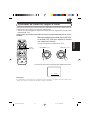
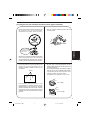
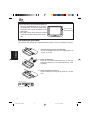
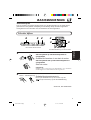
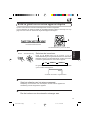
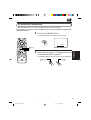
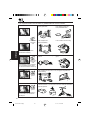
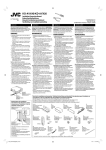
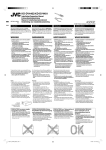
• Do not leave the liquid crystal panel surface
facing upwards on top of the dashboard.
(storage temperature range: –20°C to +80°C)
ENGLISH
Cautions for the liquid crystal panel (sold separately)
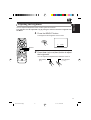
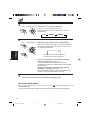
• Do not strongly impact the liquid crystal panel.
+80°C
–20°C
–20°C to +80°C
During the summer,
temperatures can
reach as high as
100°C.
When the liquid crystal panel reaches high
temperatures or low temperatures, chemical
changes occur within the liquid crystal panel
which may cause malfunctions.
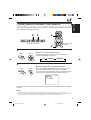
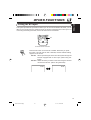
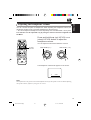
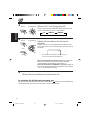
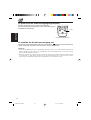
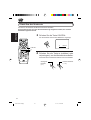
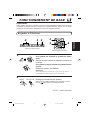
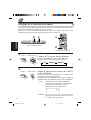
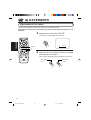
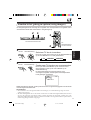
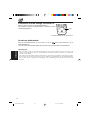
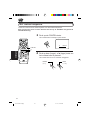
• There are red spots, blue spots and green
spots on the panel surface. This is a
characteristic of liquid crystal panels and is
not a problem.
Spots
The liquid crystal panel is built with very high
precision technology and has at least 99.99%
effective image pixels. Be aware that on
0.01% of the panel there may be missing
pixels or constantly light pixels.
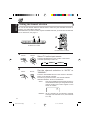
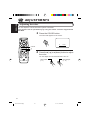
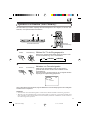
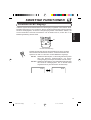
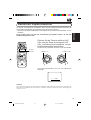
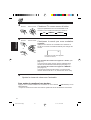
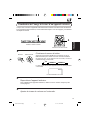
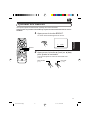
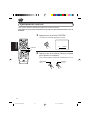
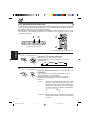
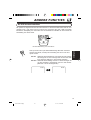
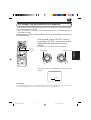
• When the temperature is very cold or very
hot, the image may not appear clearly or may
move slowly.
In addition, movement of the image may seem
to be out of sync or the image quality may
decline in such environments. Note that this
is not a malfunction or problem.
(usage temperature range: 0°C to +40°C)
0°C or colder
40°C or hotter
3
EN02-08.KV-C10[E]f
3
01.1.17, 10:05 AM