1
OFA Kamel 8 UG E/Fr rev
8/15/03
10:18 AM
Page 28
KAMELEON 8-DEVICE REMOTE
DEVICE MENU SCREENS (cont’d)
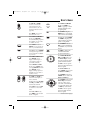
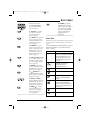
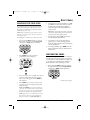
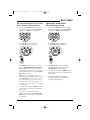
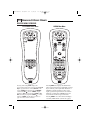
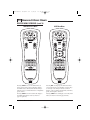
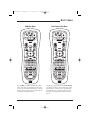
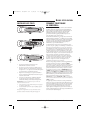
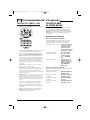
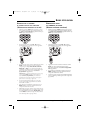
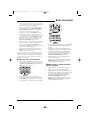
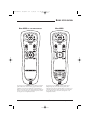
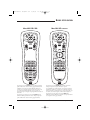
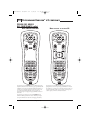
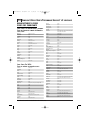
AUDIO PRESETS MENU
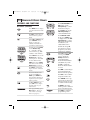
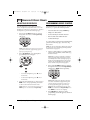
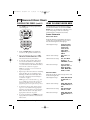
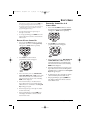
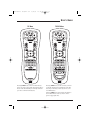
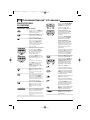
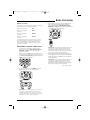
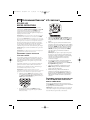
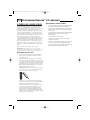
AUX MAIN MENU
Pressing SCROLL once (on the AUDIO Menu,as
shown on the previous page,right side),displays
the AUDIO Presets Menu screen.Use these keys to
remotely access your Audio Receiver’s or Amplifier’s
preset stations.
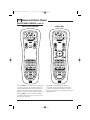
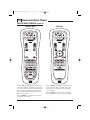
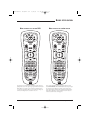
Pressing AUX once displays the AUX Main Menu
screen.After device programming, use these keys
to remotely control all your device’s common
features, such as volume and channels, and menu,
guide, and navigation functions.
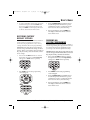
Pressing SCROLL once more returns the display to
the AUDIO Main Menu screen (as shown on
page 26,right side).
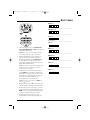
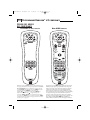
Pressing SCROLL once will display a secondary AUX
menu (on shown on the next page,left side).
28 Device Menu Screens