1
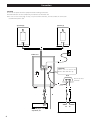
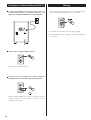
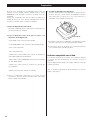
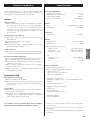
Listening to an External Source (AUX 1)
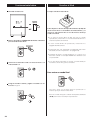
1 Connect the PHONES jack (audio output jack) of a
portable audio player to the AUX 1 IN jack of the
subwoofer using the supplied stereo mini plug cable.
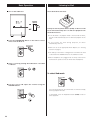
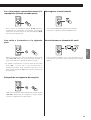
Muting
To mute the sound temporarily, press the MUTING button.
Press the MUTING button again to restore the sound.
The indicator (iPod or AUX 1/2) blinks during muting.
< If you change the volume during the muting, the muting will
be canceled.
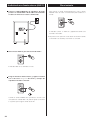
2 Select “AUX 1” using the AUX 1/2 button.
The AUX 1/2 indicator turns green.
3 Play the source, and adjust the volume using the
VOLUME buttons of the SP-X2i and the audio player.
When using the PHONES jack of your mini player, you must
adjust the volume of the mini-player or you may hear no
sound from your SP-X2i.
12