1
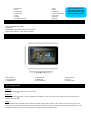
Video Recorder
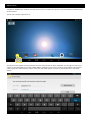
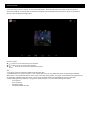
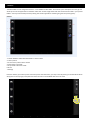
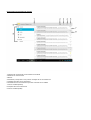
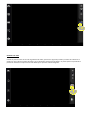
When you press on the Video Camera icon, the following screen will appear and the dot on the right will turn red. Press the
Record button (1) and the device will begin recording. The Time elapsed will be shown on the top left corner.
CONNECTING THE TABLET TO A PC
CONNECTING THE TABLET TO A PC
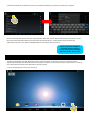
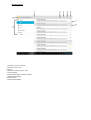
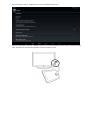
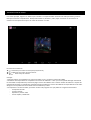
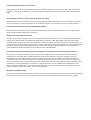
To connect the tablet to the PC, make sure the USB cable is connected to the PC ad then onto the tablet. When connecting
it to the tablet, the following screen will automatically appear: Press the “Turn on USB storage” (1) button and the device is
now connected to the PC. At this point, some applications which you are using will be unavailable until the device has been
disconnected from the PC.