1
ADVANCED FUNCTIONS
ISlow sync flash
•
•
AUTO
SLOW
o~~~!
-'1-
~
t~J$ ~
ISelf-timer
C~
Nuvismini
Nuvismini
25
Nuvls mloii
Nuvis mini i
e
EJ
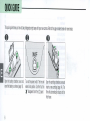
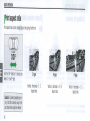
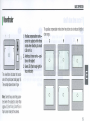
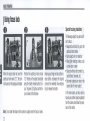
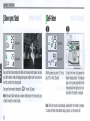
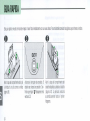
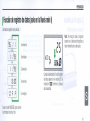
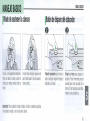
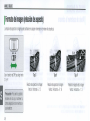
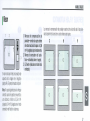
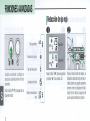
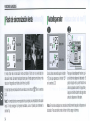
Slow sync flash mode combines the flash with a slower shutter speed. Use slow
sync flash mode to make the background appear brighter and more natural in
low-light, outdoor flash photographs.
Slow sync flash mode is indicated by "tib'£ ~ " on the LCD panel.
Note: Slow sync flash mode uses a slower shutter speed. For best results, use
a tripod to keep the camera steady.
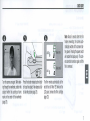
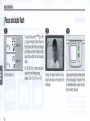
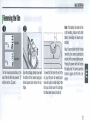
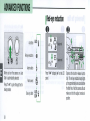
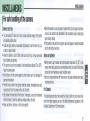
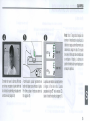
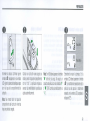
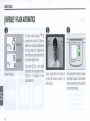
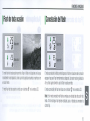
With the camera on, press "~" to display "~ .. on the LCD panel.
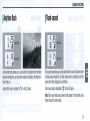
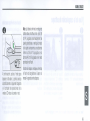
To start the timer, fu lly depress the
shutter release button . The indicator
lamp on the camera face wil l blink for
8 seconds and then light up for 2 seconds before the shutter is released.
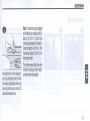
Note: Self-timer mode is automatically canceled after the shutter is released.
To cancel self-timer mode before taking a picture, turn the camera off.
26