1
18 | Cutting Off and Removing Prints
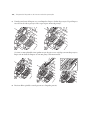
4.
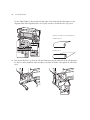
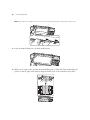
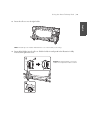
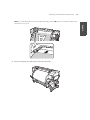
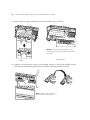
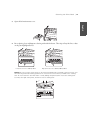
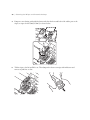
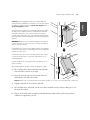
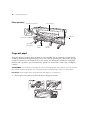
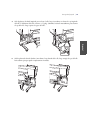
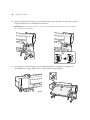
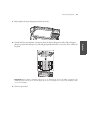
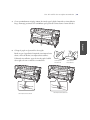
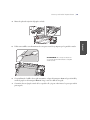
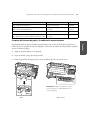
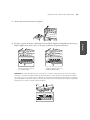
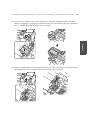
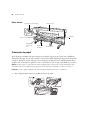
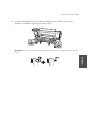
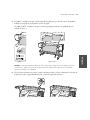
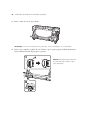
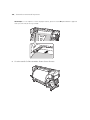
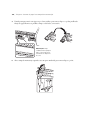
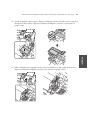
Move the media holding plates out of the way.
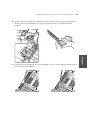
5.
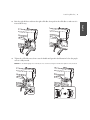
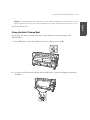
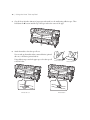
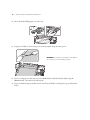
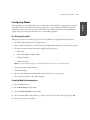
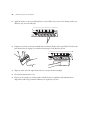
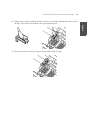
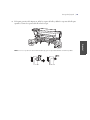
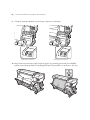
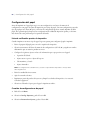
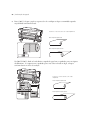
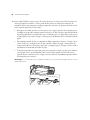
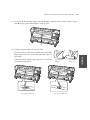
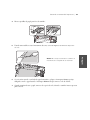
Using a razor blade or other cutting tool, cut off your print along the cutter groove.
WARNING: Do not place your fingers in the path of
the cutting tool to avoid injuring yourself.
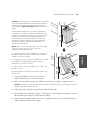
6.
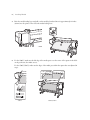
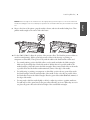
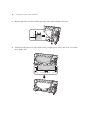
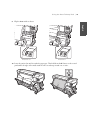
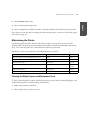
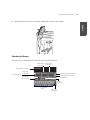
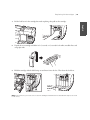
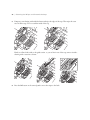
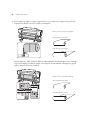
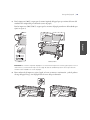
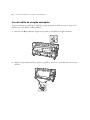
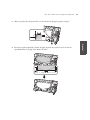
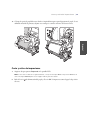
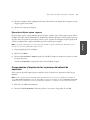
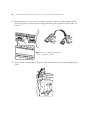
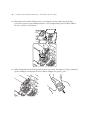
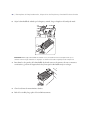
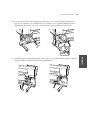
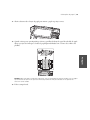
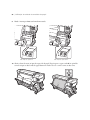
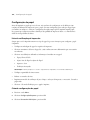
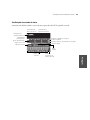
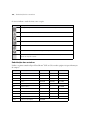
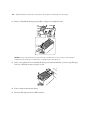
If you are using the auto take-up reel, set the Auto switch to off and wind the media using the
Manual switch. Then remove the take-up roll.
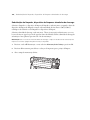
7.
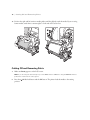
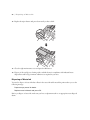
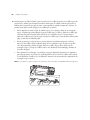
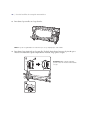
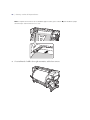
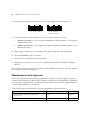
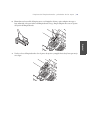
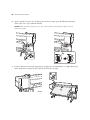
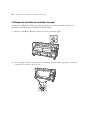
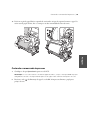
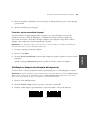
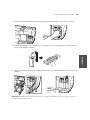
If you are finished using the media, remove it from the roll holders, reversing the steps you followed to
load it.