1
4520-xxx
Hardware Tests
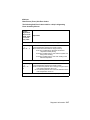
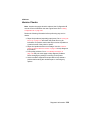
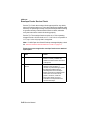
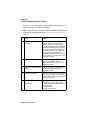
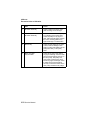
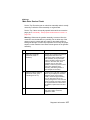
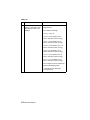
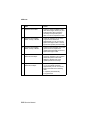
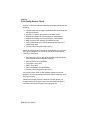
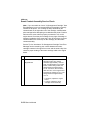
Select the following Hardware Tests from this menu:
•
•
•
•
•
•
•
•
LCD Test
Button Test
DRAM Memory Test
ROM Memory Test
Parallel Wrap (if available)
Serial Wrap (if available)
Serial 1 Wrap (if available)
Serial 3 Wrap (if available)
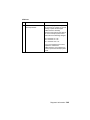
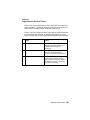
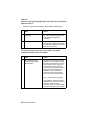
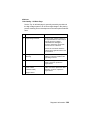
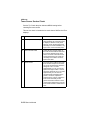
LCD Test
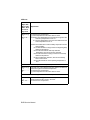
To run the LCD Test:
1. Select LCD Test from the Diagnostic menu. The LCD test
continually executes the LCD display test.
2. Press Return/Stop to cancel the test.
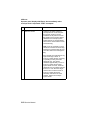
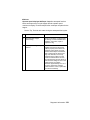
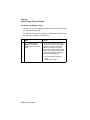
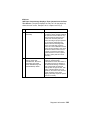
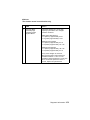
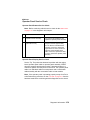
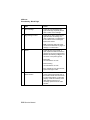
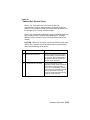
Button Test
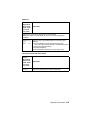
To run the Button Test:
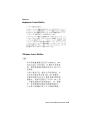
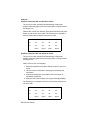
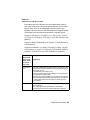
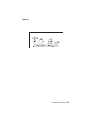
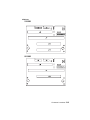
1. Select Button Test from the Diagnostic menu. With no buttons
pressed, several OP (Open) appear on the display.
2. Press each button one at a time and a CL (Closed) displays in
place of an OP. The proper operation of each button can be
checked.
3. Press Return/Stop to cancel the test.
Diagnostic Aids 3-11