1
!
"#$%&
[8] MACHINE OPERATION
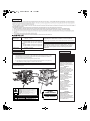
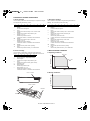
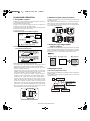
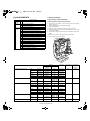
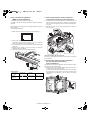
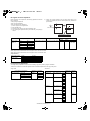
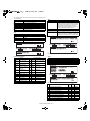
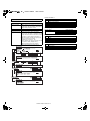
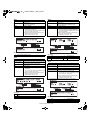
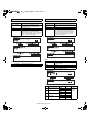
2. Standard original setting orientation
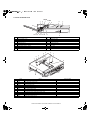
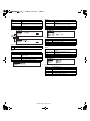
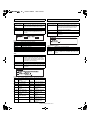
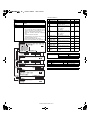
1. Acceptable originals
Descriptions of functions that follow in this manual assume that originals
are oriented as shown.
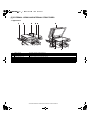
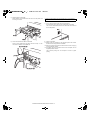
Place originals in the document feeder tray or on the document glass so
that the top of the original is positioned to the rear side of the machine.
If not, staples will be incorrectly positioned and some special features
may not give the expected result.
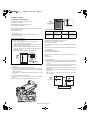
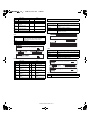
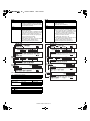
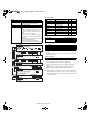
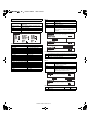
A stack of up to 50 original sheets of the same size paper can be set in
the document feeder tray provided the stack
height is within the limit shown below.
A stack of up to 30 mixed size originals can be set if the width of the
originals is the same and the stack height is within
the limit shown below. In this case, however, stapling and duplex will not
function and some special functions may not
give the expected result.
A. Size and weight of acceptable originals
Top
Top
Bottom
Bottom
5-1/2" x 8-1/2"
Original size:
or A5
11" x 17"
or A3
(148 x 210 mm)
Top
Top
(297 x 420 mm)
Weight (thickness):
Bottom
Bottom
14 lbs. or 50g/m 2
34 lbs. or 128g/m 2
2
g/m ... Weight of a sheet of paper of 1 m2
B. Total amount of originals that can be set
in the document feeder tray
Total aggregate thickness must not exceed 1/4" or
6.5 mm (for 14 to 21 lbs. or 50 to 80 g/m2 paper).
1/4" or 6.5 mm
or less
Total aggregate thickness must not exceed 3/16" or
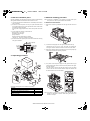
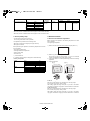
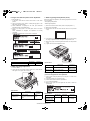
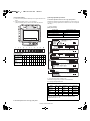
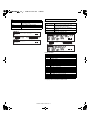
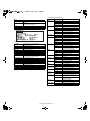
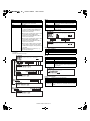
3. Automatic copy image rotation
- rotation copying
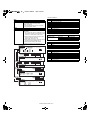
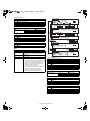
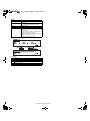
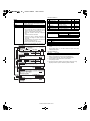
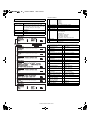
If the orientation of the originals and copy paper are different, the original
image will be automatically rotated 90" and copied. (When an image is
rotated, a message will be displayed.) When enlargement of originals
larger than 8-1/2" x 11" or A4 is selected, rotation cannot be done.
[Example]
Orientation of original
Orientation of paper
Copy after rotation
5.0 mm (for 21 to 34 lbs. or 80 to 128 g/m2 paper).
3/16" or 5.0 mm
or less
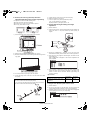
<Notes on use of the automatic document feeder>
•Use originals within the specified size and weight ranges. Use of
originals out of the specified range may cause an original misfeed.
•Before loading originals into the document feeder tray, be sure to
remove any staples or paper clips.
•If originals have damp spots from correction fluid, ink or glue from
pasteups, be sure they are dried before they are fed. If not, the interior
of the document feeder or the document glass may be soiled.
•To prevent incorrect original size detection, original misfeeds or
smudges on copies, use the following as a guide for feeding originals.
Transparency film, tracing paper, carbon paper, thermal paper or
originals printed with thermal transfer ink ribbon should not be fed
through the document feeder. Originals to be fed through the feeder
should not be damaged, crumpled or folded or have loosely pasted
paper on them or cutouts in them. Originals with multiple punched holes
other than two-hole or three-hole punched paper may not feed correctly.
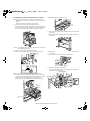
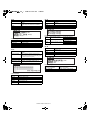
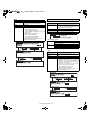
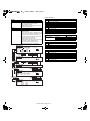
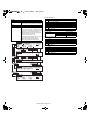
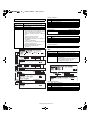
•When using originals with two or three holes, place them so that the
punched edge is at a position other than the feed slot.
Hole positions
Face down
Face down
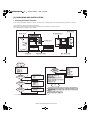
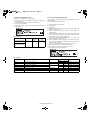
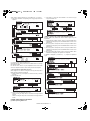
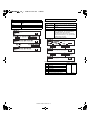
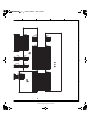
4. Adjustment values
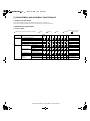
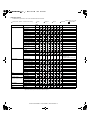
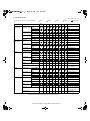
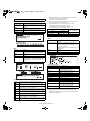
A. Processing adjustment values
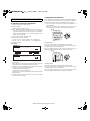
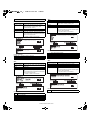
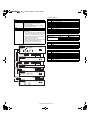
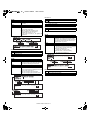
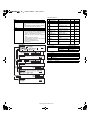
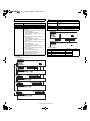
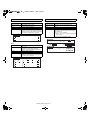
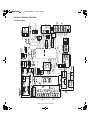
Each controller has its EEPROM. The adjustment values are collected to
the MFP controller.
If any adjustment value is changed, the changed value is returned to the
controller and saved.
LCD
MFP CONTROLLER
When any adjustment value is
changed, it is retuned to each
controller and saved.
Transmission of saved
adjustment value
(When turning on the power, etc.)
PCU
Hole
positions
Hole positions
AR-M350 MACHINE OPERATION 8-1
SCANNER
CONTROLLER