1
4227-300
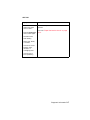
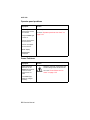
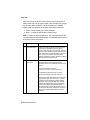
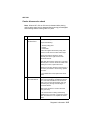
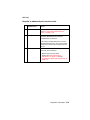
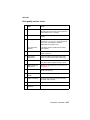
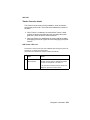
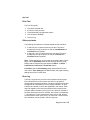
Operator panel problems
Symptom
Action
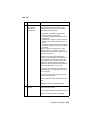
Start/Stop does not
function but no error
is indicated.
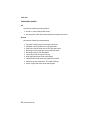
Turn the printer off and then back on.
Go to the “Operator panel service check” on
page 2-20.
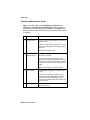
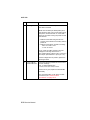
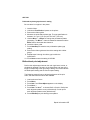
Only the Power light
comes on.
One or more buttons
do not function.
One or more lights
do not function.
Blank display
Cover open
displayed.
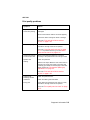
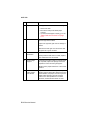
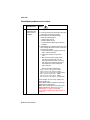
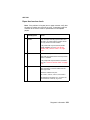
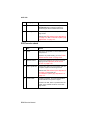
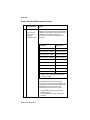
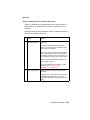
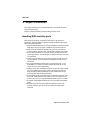
Power Problems
Symptom
When the power
switch is on, the
Power light does not
come on or the
printer does not
start.
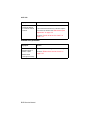
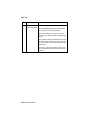
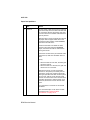
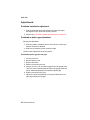
The Power light
blinks or changes
intensity.
2-8 Service Manual
Action
Check the continuity of the power cord
and the voltage of the electrical outlet.
Go to the “Power failure service
check” on page 2-25.