1
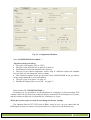
2. By choosing the calibration during drive option one has to go to peaceful road. To
calibrate the vehicle correctly one has to fulfill two conditions: the correct load and RPM.
The system will automatically show the information about fulfilling the conditions by the
information “OK” or “to small”.
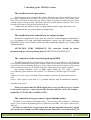
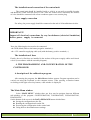
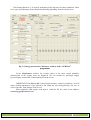
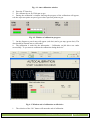
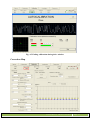
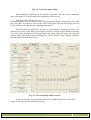
Fig. 4.4 Calibration progress window
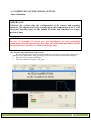
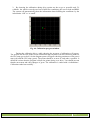
During the calibration drive a table showing the progress of calibration will appear.
The system will first set points on the combustion map on petrol (red dots) and next points on
the LPG map (green dots). On the diagram ponts will appear showing parameters of the petrol
map (red) and the LPG map (green). The points should be as near of each other a possible. It
should be written that the program collects the points during a set drive. You should prevent
throttle movement and often changes of gears. The calibration is ended with a information “
Calibration ended successfully” .
Assembly Instruction
Page 21