1
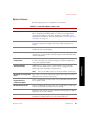
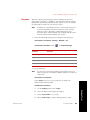
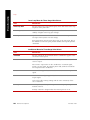
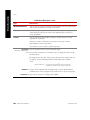
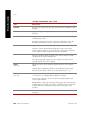
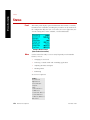
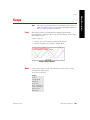
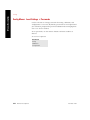
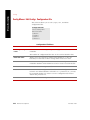
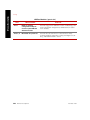
Status
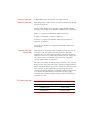
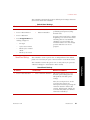
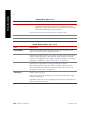
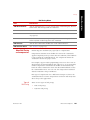
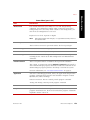
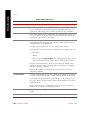
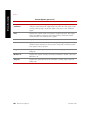
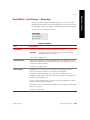
ITEM
DESCRIPTION
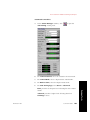
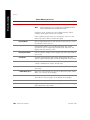
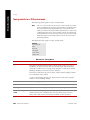
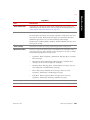
Access Level
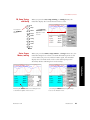
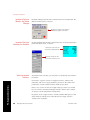
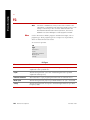
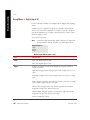
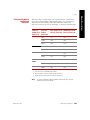
This control determines your ability to access and change tuning,
calibration, and configuration settings. (This control also exists in the
Config menu). To access many of the controls in the Config menu, you
must be at the Configuration access level.
Required access level: Operator or higher.
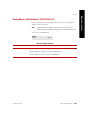
Note
Operator
After making higher level changes, it is a good idea to always return to
the Operator level.
This is the default user level.
This level does not need a password and has the fewest privileges.
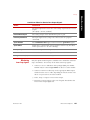
Tuning
Enter this level to make tuning adjustments.
Calibration
Enter this level to modify calibration parameters.
Configuration
Enter this level to make changes to various controls in the Config menu,
including all the controls in the Edit Configuration and Edit Hardware
submenus.
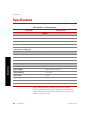
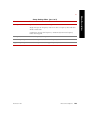
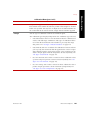
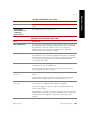
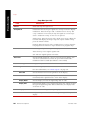
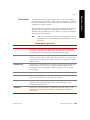
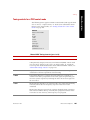
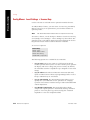
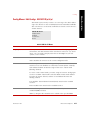
Exclusive Control
This is an optional feature available for PC-supervised Controllers.
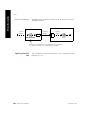
This control, in conjunction with the Exclusive Control on the interface
of the Station Manager program, determine whether the Controller or the
Station Manager program performs closed-loop control of the system.
For more information, see “PC-Supervised Controllers” on page 35.
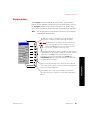
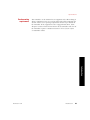
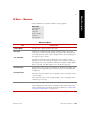
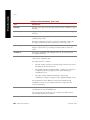
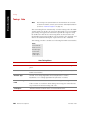
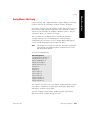
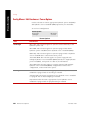
Application
Selects the controlling application, that is, the application that generates
program command and responds to the Controller’s Program controls
(Rewind, Run, Hold, and Stop).
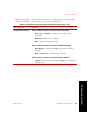
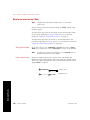
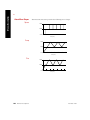
Function Generator: The FG controls provide program command.
Tuning: The Tuning controls provide program command.
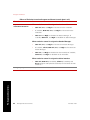
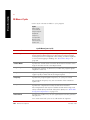
Control Mode
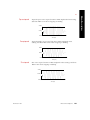
Sets the control mode when using the Dial for manual control.
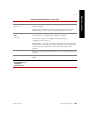
Setpoint
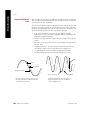
Specifies the offset from zero. Setpoint is the static portion of the
program command, that is, the base from which the program command’s
amplitude content centers on.
FlexTest ™ SE
Menus Descriptions
179
Menus Descriptions
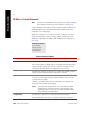
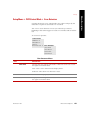
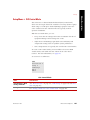
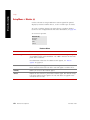
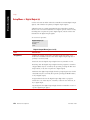
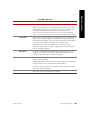
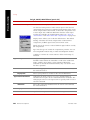
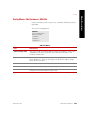
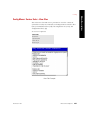
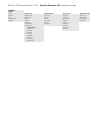
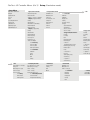
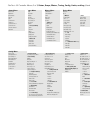
Status Menu (part 1 of 2)