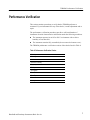
1
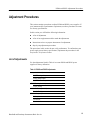
TAS 200 Series Adjustment Procedures
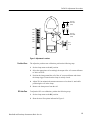
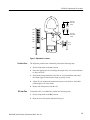
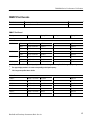
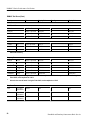
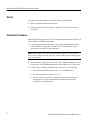
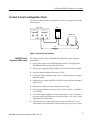
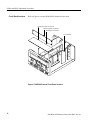
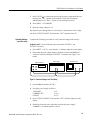
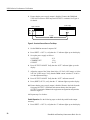
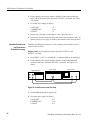
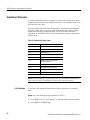
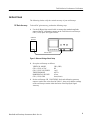
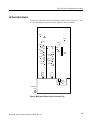
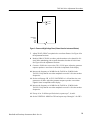
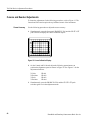
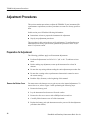
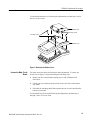
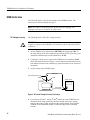
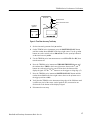
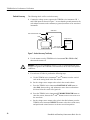
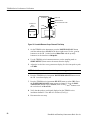
Y pos
Y gain
VRA03
VRA04
Drift
VRA01 VRA05
X gain
X pos
VRA02
Instrument
front
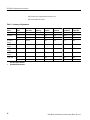
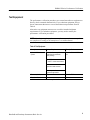
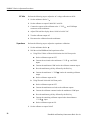
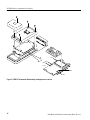
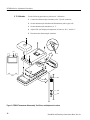
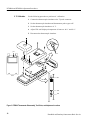
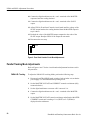
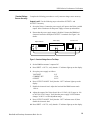
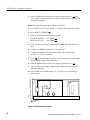
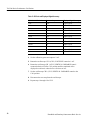
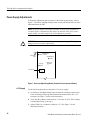
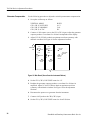
Figure 13: Control and I/O Board (Viewed from the Instrument Top)
Drift
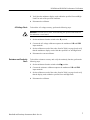
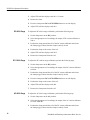
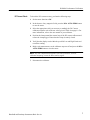
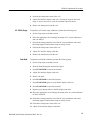
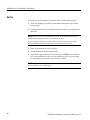
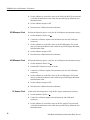
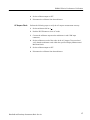
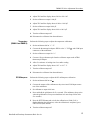
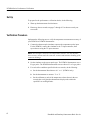
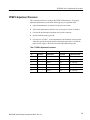
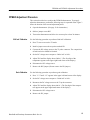
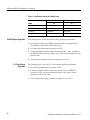
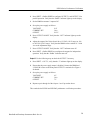
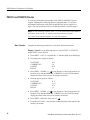
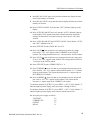
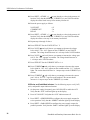
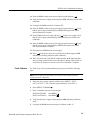
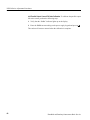
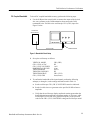
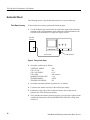
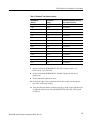
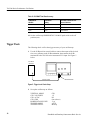
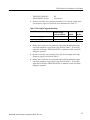
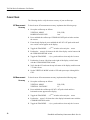
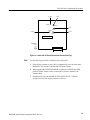
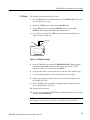
Use the following procedure to minimize the readout drift.
1. If the display readouts are not visible, simultaneously press the front panel
PROBE X1/X10 and the CURSOR ON/OFF push switches.
2. While toggling the VERTICAL MODE switch between BOTH and ADD
positions, adjust VRA05 on the Control and I/O board to minimize the
character drift.
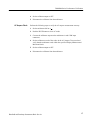
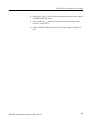
3. Simultaneously press the PROBE X1/X10 and the ∆V/∆T 1/∆T push
switches to turn off the display readouts, if desired.
Handheld and Benchtop Instruments Basic Service
43