1
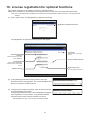
9-1-2. Importing settings data
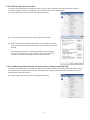
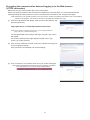
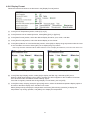
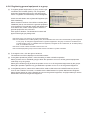
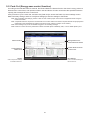
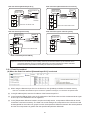
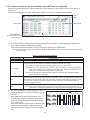
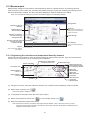
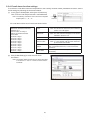
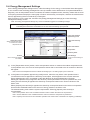
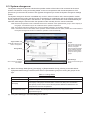
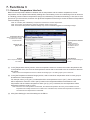
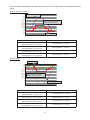
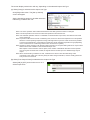
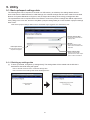
(1) Click the [Browse...] button to launch the explorer and browse for a file that contains the data to be
imported. Select the desired file, and click [Open]. The path to the file to be imported on an external storage
media will appear in the [Data import source] field.
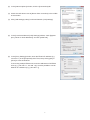
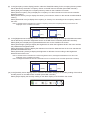
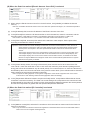
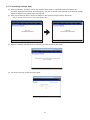
(2) Click [Import settings data] to import the data from the external storage media to the EB-50.
Note: It will take a few minutes to import the settings data.
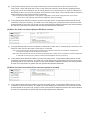
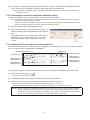
(3) When the settings data has been successfully imported, the EB-50 will restart.
(4) Go back to the login screen and login again.
62