1
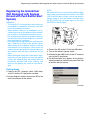
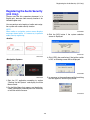
Registering the Immobilizer (Equipped with the Keyless Access with Push Button Start System)
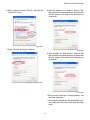
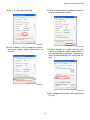
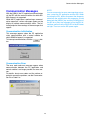
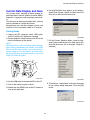
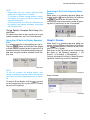
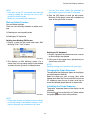
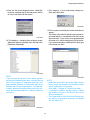
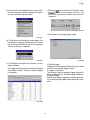
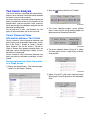
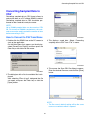
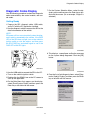
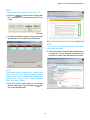
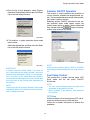
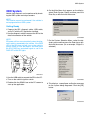
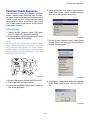
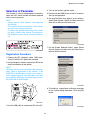
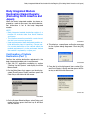
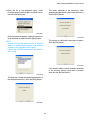
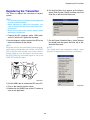
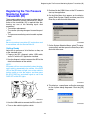
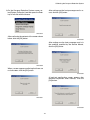
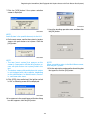
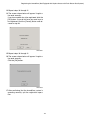
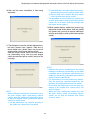
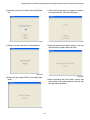
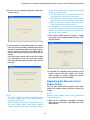
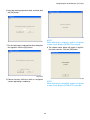
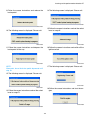
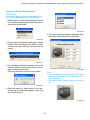
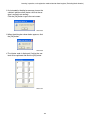
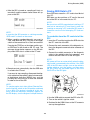
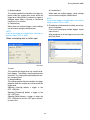
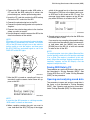
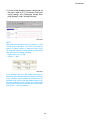
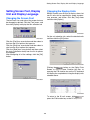
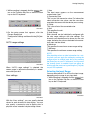
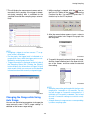
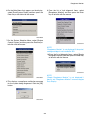
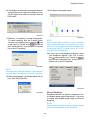
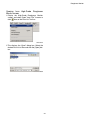
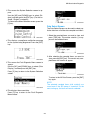
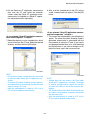
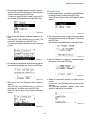
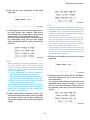
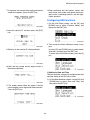
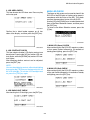
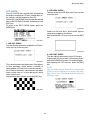
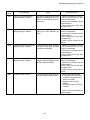
3. Click the [YES] button if the system selection
screen is displayed.
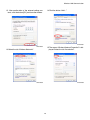
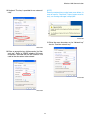
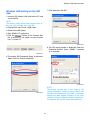
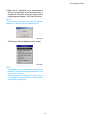
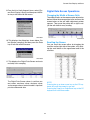
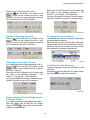
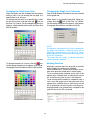
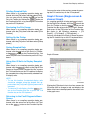
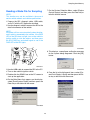
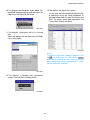
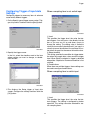
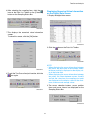
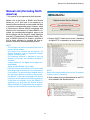
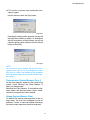
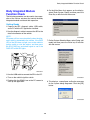
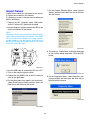
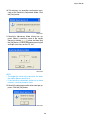
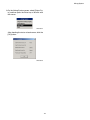
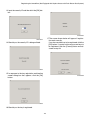
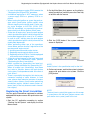
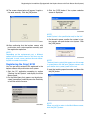
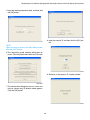
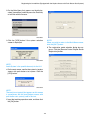
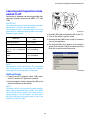
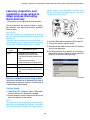
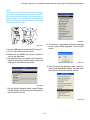
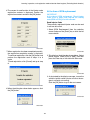
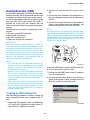
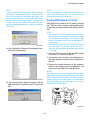
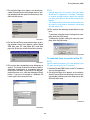
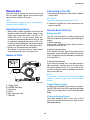
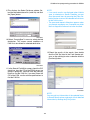
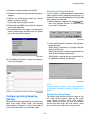
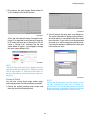
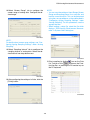
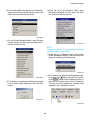
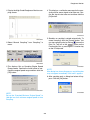
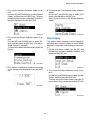
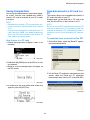
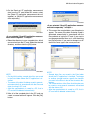
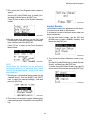
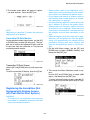
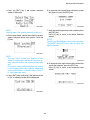
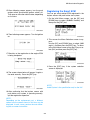
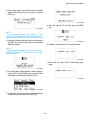
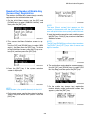
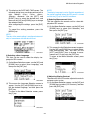
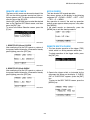
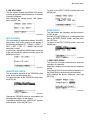
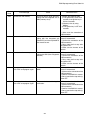
6. The registration mode selection dialog box appears. Click the [Engine ECM Registration] button.
SMU-00946
NOTE:
Audio System is the specification only for the U.K.
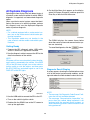
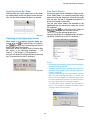
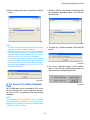
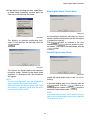
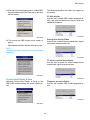
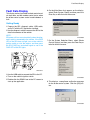
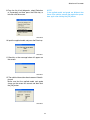
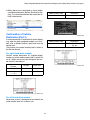
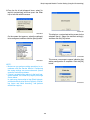
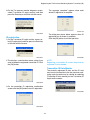
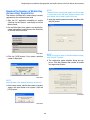
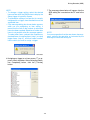
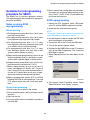
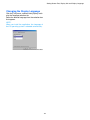
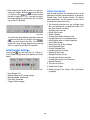
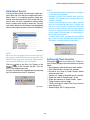
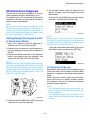
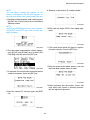
4. On the next screen, confirm the system is keyless
access with push button start system. Click the
[YES] button.
SMU-00929
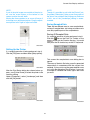
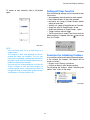
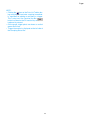
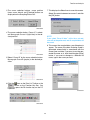
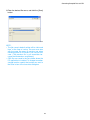
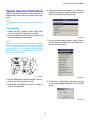
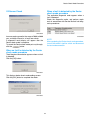
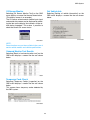
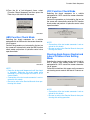
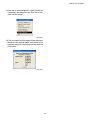
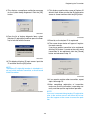
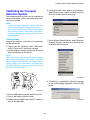
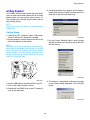
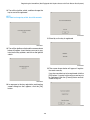
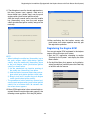
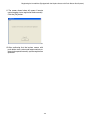
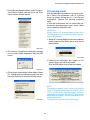
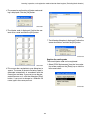
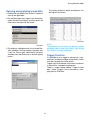
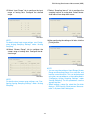
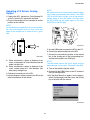
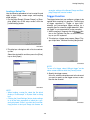
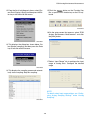
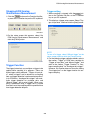
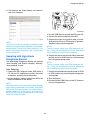
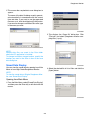
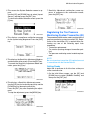
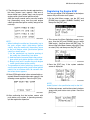
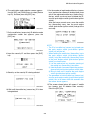
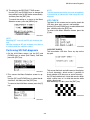
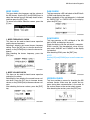
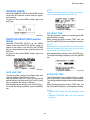
7. On the registration mode confirmation dialog box
that appears, click the [OK] button.
SMU-00910
NOTE:
The term [smart system] that appears on this screen
is synonymous with the term [keyless access with
push button start system] used in this text.
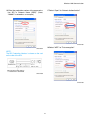
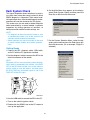
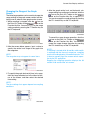
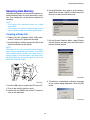
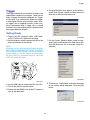
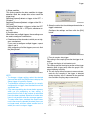
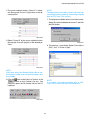
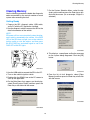
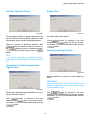
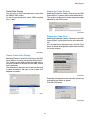
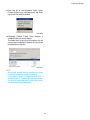
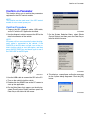
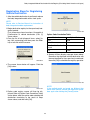
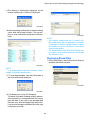
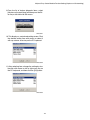
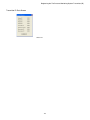
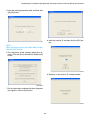
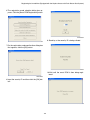
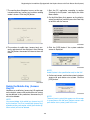
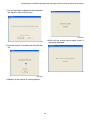
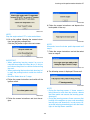
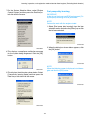
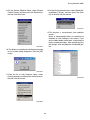
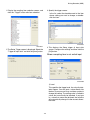
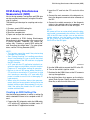
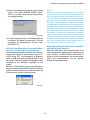
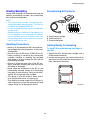
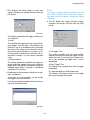
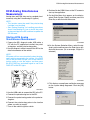
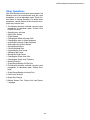
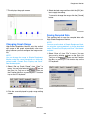
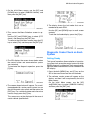
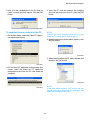
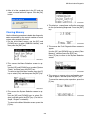
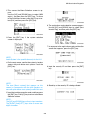
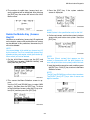
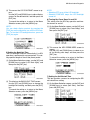
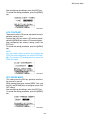
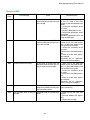
5. Input the teaching operation code, and then click
the [OK] button.
SMU-00930
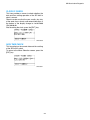
SMU-00911
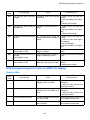
NOTE:
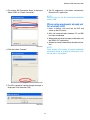
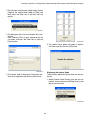
When you wish to return to the Main Menu screen,
click the [QUIT] button.
136